Jan 12, 2022 -- Starting Android
Outline
- Android Studio IDE
- Android Application Overview
- Activities and Layouts
- MVC Model and App Components
- Event Handling
- MVC for App Creation
- Interaction with Menu
- 4 Ways of Callbacks
- UI Control One -- Button
Android Studio IDE (#1 Chap04)
- Task of the day -- load and run A01-Hello
- Text #1 -- Chapter 4
- Layout in both XML and GUI
- TODO Item (read your own)
- Text #2 -- Chapter 6, 8
Android Application Overview (#1 Chap05)
- Text #1 -- Chapter 5
- apk -- AndridManifest.xml, Activity, Intent, View/Fragment, ...
- Entry point -- AndroidManifest.xml, MainActivity
- Activity Lifecycle -- demand driven, revisit for sure
- Intent -- intent-process, fragment-thread, a lot more details soon
- Text #2 -- Chapter 9, 10, (12-15 later)
Activities and Layouts (#1 Chap06)
- Text #1 -- Chapter 6
- Layout File -- XML and GUI
- View and ViewGroup -- MORE DETAILS soon
- ★ Descrptive UI -- here, HTML Table, Java Swing Layout, SwiftUI
- Layout Managers -- Too bad, we can not afford to cover much -- indirective learning
- ★ Indirective Learning -- COSC231 HTML etc.
- Activity Class -- R.layout.activity_main
- Hello World - 3 major files -- Manifest, JAVA, XML layout
- Modifying Hello World -- TextView with constraints
- Layout for multi resolution -- SOON
- STOP, DO NOT perform pp71-74 button click, Why? Non-Descriptive
- Text #2 -- Chapter 16, 17, 22, 23 (18-21 24 later)
MVC Model and App Components
Event Handling (#1 Chap07)
- Text #1 -- Chapter 7
- Android App Build Guideline
- (Create model if necessary)
- Use layout+resources to define UI
- Bind UI widgets and provide event handler in Contrller -- binding then callback
- MY ROLE -- guide throught 'jungles'
- Two(2) Bindings, Four(4) Callbacks
- Binding #1 -- findViewById(R.id.xxxx)
Button btn = (Button) findViewById(R.id.button);

IDE Tip: Use TAB key to auto-complete
IDE Tip: Alt+Enter to auto import
- Callback #1 -- callback function OnClick() in layout.xml -- NEVER USE!!!
Text #1 pp72-73
protected void onCreate(Bundle savedInstanceState) {
	super.onCreate(savedInstanceState);
	setContentView(R.layout.activity_main);
}

public void addNumber(View v) {
	TextView tv = ((TextView) findViewById(R.id.textHello));
	int currVal = Integer.parseInt(tv.getText().toString());
	tv.setText((++currVal) + "");
}
- Callback #2 -- extra class -- DON'T USE!!!
public class MyOnClickListener implements View.OnClickListener {
	public void onClick(View v){
		//process event
	}
}
protected void onCreate(Bundle savedInstanceState) {
	super.onCreate(savedInstanceState);
	setContentView(R.layout.activity_main);

	Button  button = (Button)findViewById(R.id.button);
	MyOnClickListener Listener = new MyOnClickListener();
	button.setOnClickListener(Listener);
}
- Callback #3 -- use an anonymous class -- recommend if callback is simple and few call backs
protected void onCreate(Bundle savedInstanceState) {
	super.onCreate(savedInstanceState);
	setContentView(R.layout.activity_main);

	Button  button = (Button)findViewById(R.id.button);
	button.setOnClickListener(
		new View.OnClickListener() {
			@Override
			public void onClick(View view) {
				//Implement event handling
				Context ctx =  MainActivity.this;
				Toast.makeText(ctx, "Hello", Toast.LENGTH_LONG).show();
			}
		});
}

Tip: Tools -> Clean Project
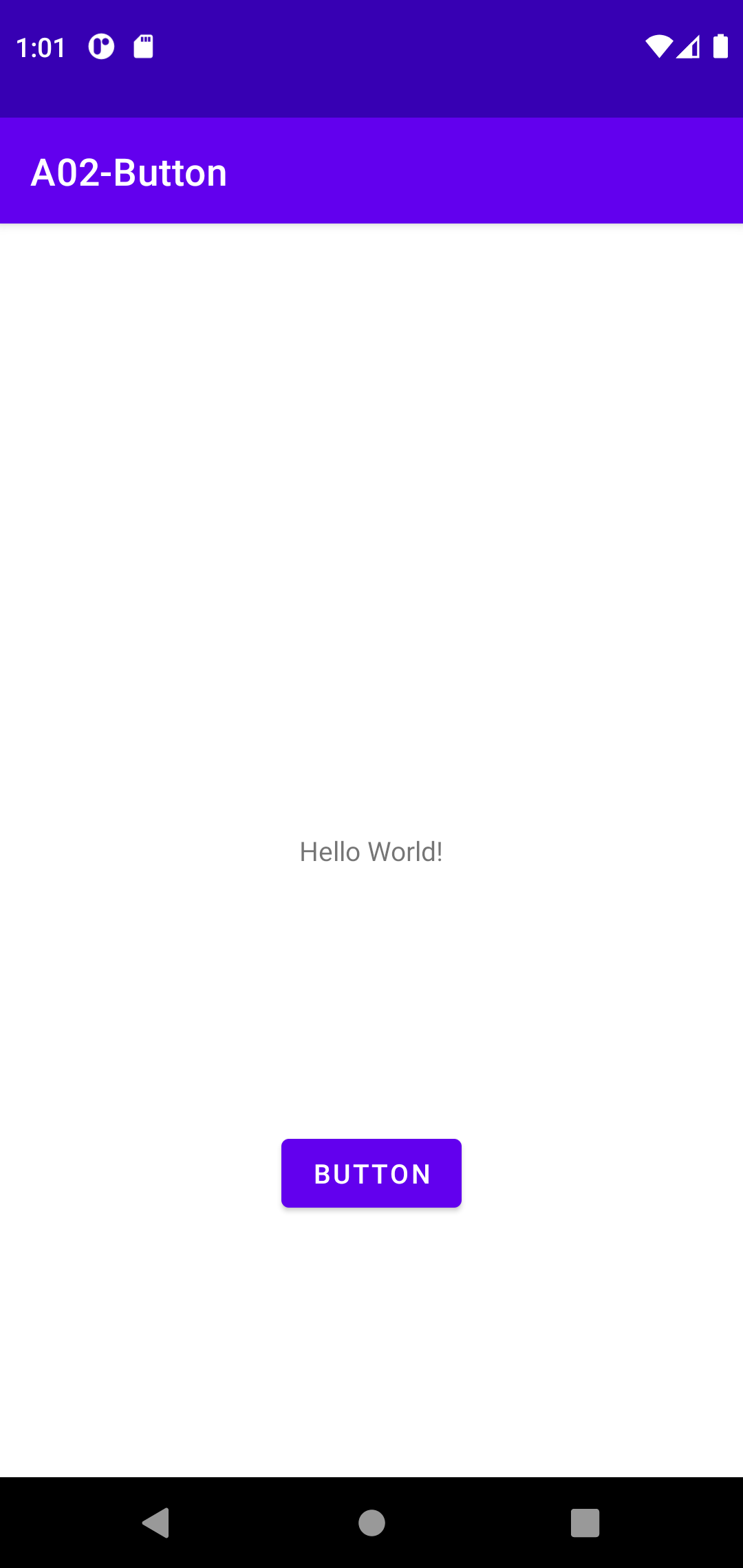
- Callback #4 -- Implements the onClickListener interface in Activity, then override onClick() method -- recommend
public class MainActivity extends Activity implements View.OnClickListener {
protected void onCreate(Bundle savedInstanceState) {
	super.onCreate(savedInstanceState);
	setContentView(R.layout.activity_main);

	Button  button = (Button)findViewById(R.id.button);
	button.setOnClickListener(this);
}
@Override
public void onClick(View view) {
	//Handle Event
	Context ctx =  MainActivity.this;
	Toast.makeText(ctx, "Hello Callback #4", Toast.LENGTH_LONG).show();
}
- Skip pp84--87 Snackbar import
- Text #2 -- Chapter 26
Topics of the Day
- Andrid Studio IDE
- MVCR and Android App Structure
- Two better ways to implement callback
- Tools -> Clean Project
- Use TAB key to auto-complete
- Alt+Enter to auto import