Jan 19, 2022 -- Menu and Fab
Outline
- Button Click Callback and Inner Class
- Binding #2
- Menu and Fab
- Resource and String Guildline
- ViewBinding in ios
Button Click Callback and Anonymous Inner Classes
- MVC(R), ViewBinding, Callback
- TextView == Label (JavaSwing, ios, .NET)
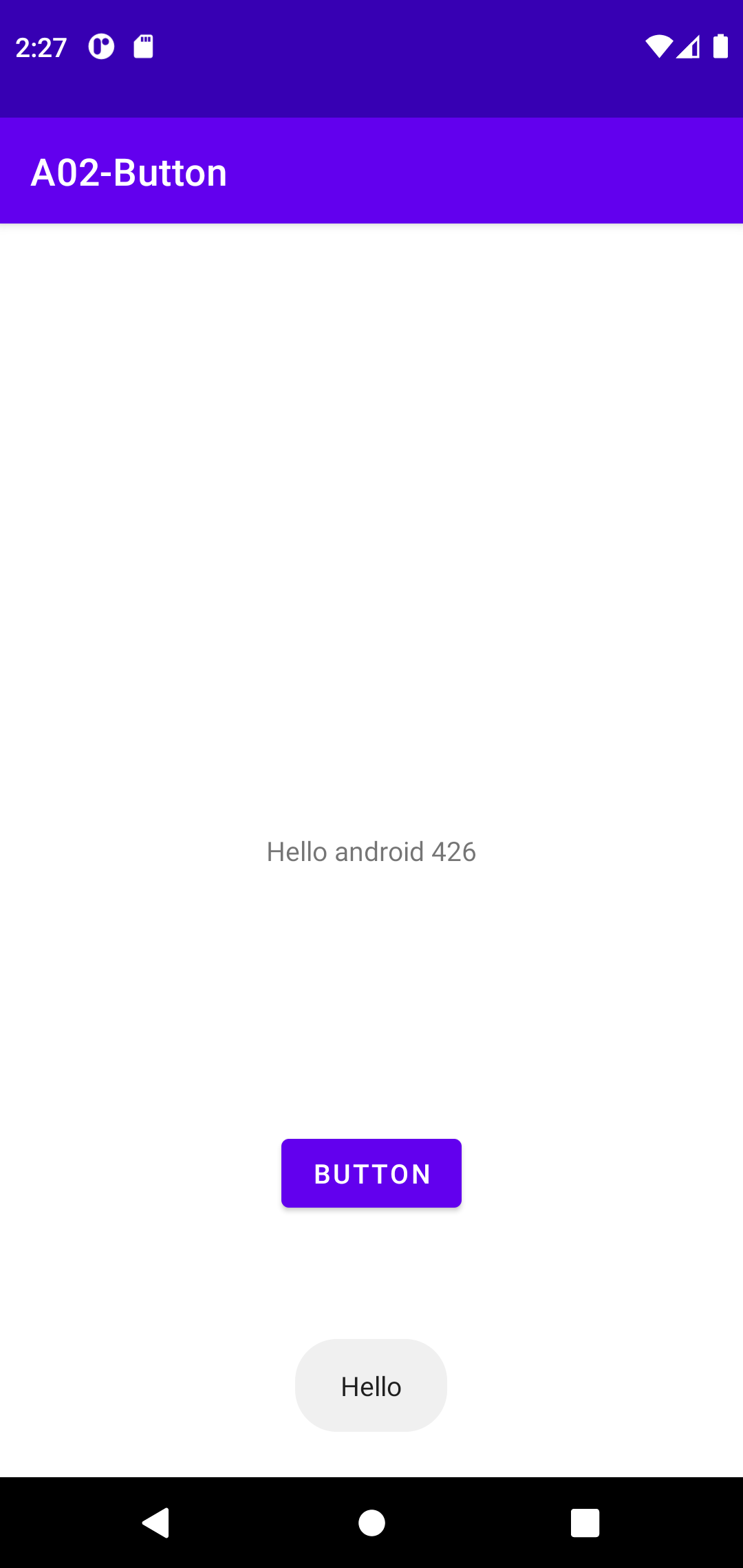
- Toast as a good way of testing
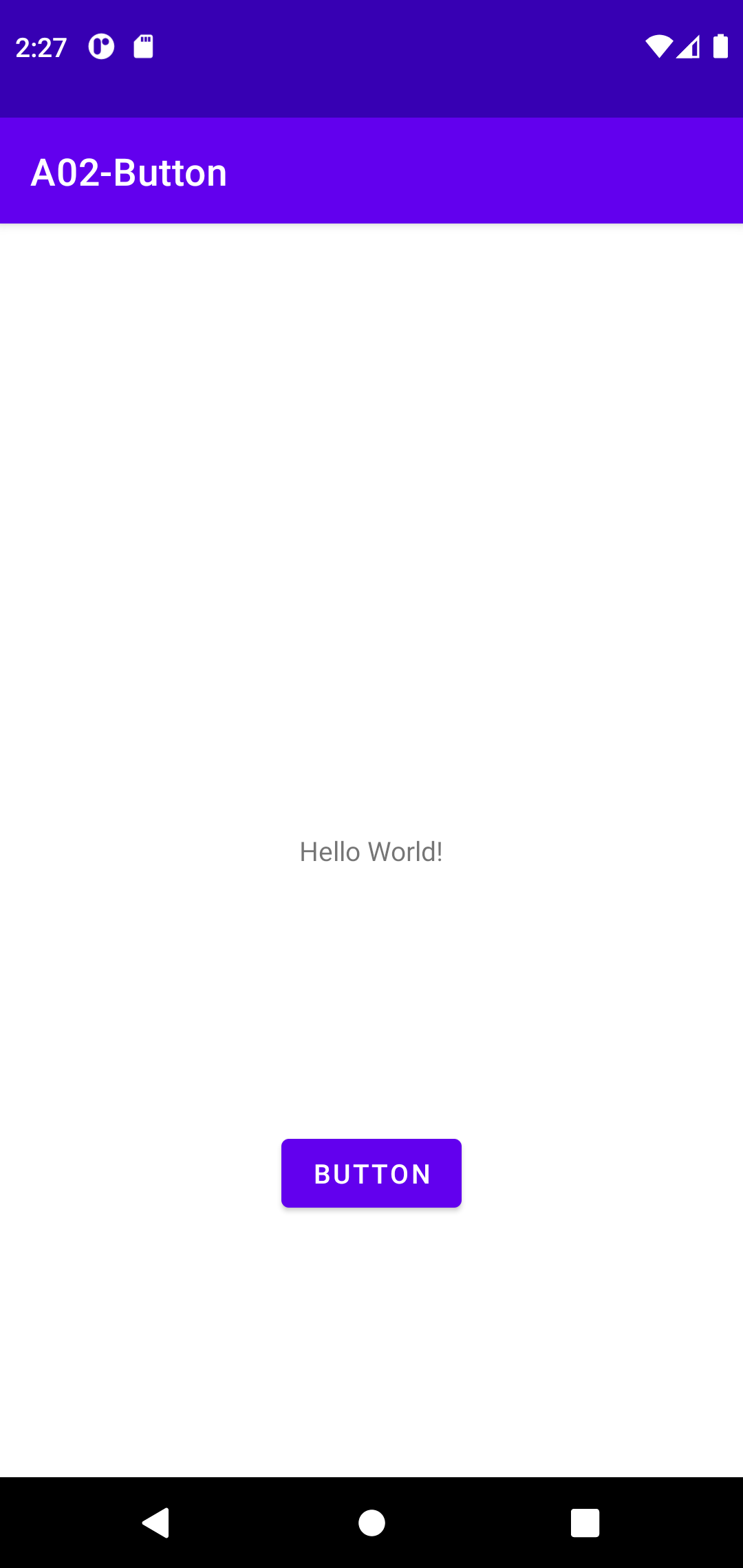
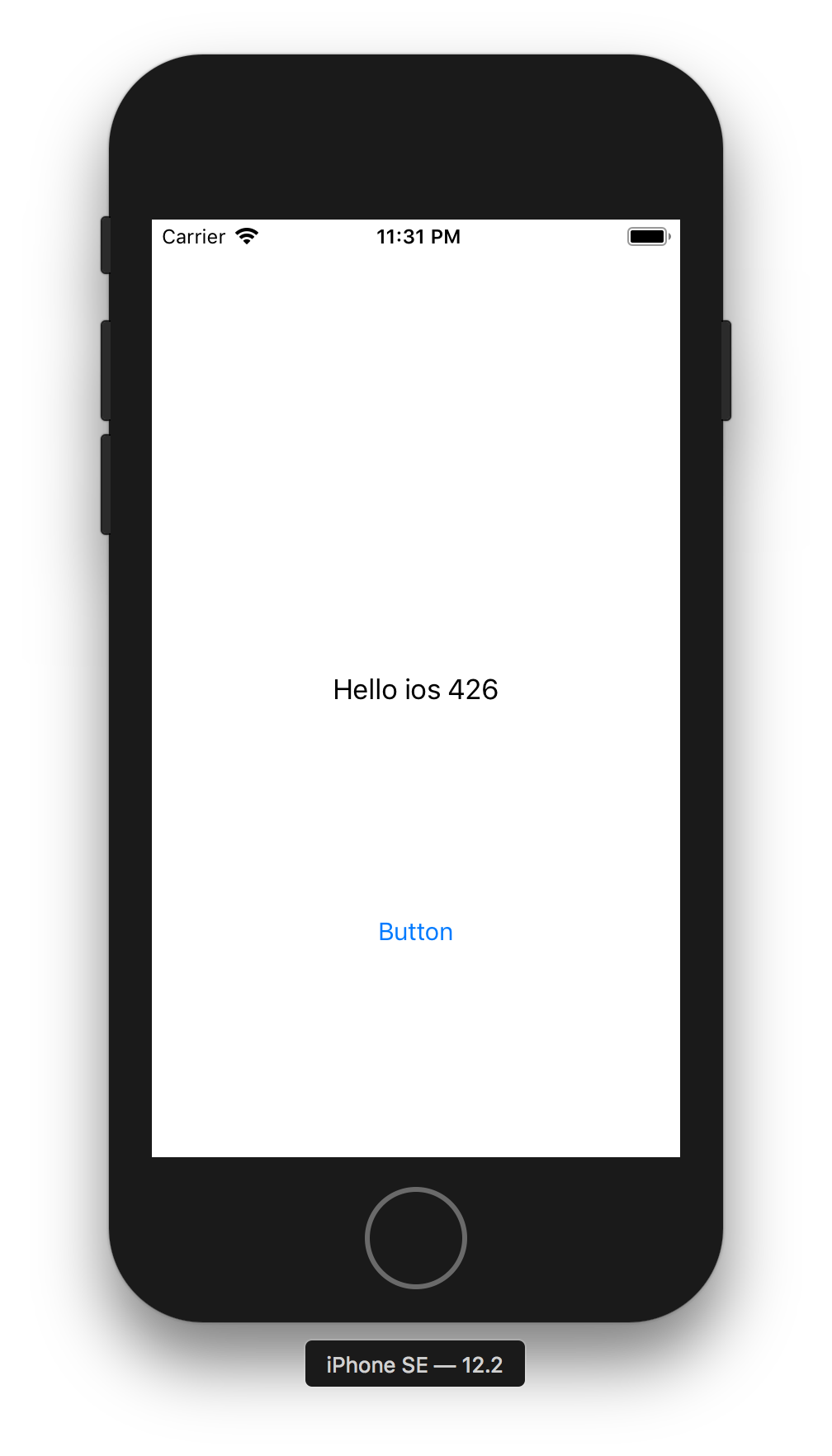
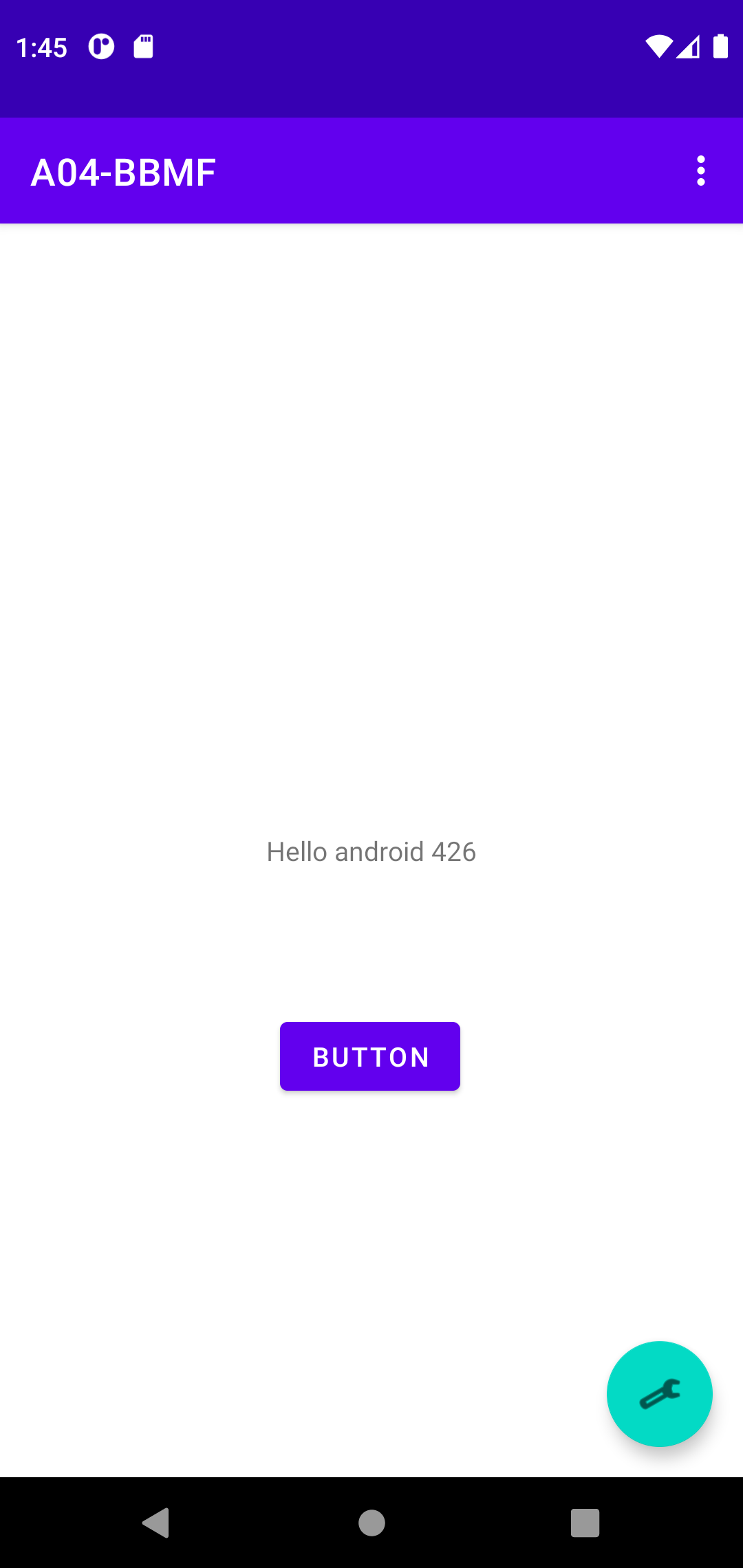
- Button Click to Change TextView (label)
TextView textview = (TextView)findViewById(R.id.textView);
button.setOnClickListener(
	new View.OnClickListener() {
		@Override
		public void onClick(View view) {
			textview.setText("Hello Android 426");
		}
});
- Callback #3 Mystery
- Copy from 211-030419.html on Anonymous Inner Classes
Create an object but have no need to name the object's class
Generally, they are used whenever you need to override the method of a class or an interface.
Inner class likely either be an abstract class or an interface

Because the inner and outer classes have access to each other's instance variables and methods, this can often serve as if it were a class with two base classes.
Need only one object of a class and the class definition is very short -- Swing

Anonymous Inner Classes Commonly Used in GUI (Swing)
- Callback #4 -- standard interface approach
Binding #2
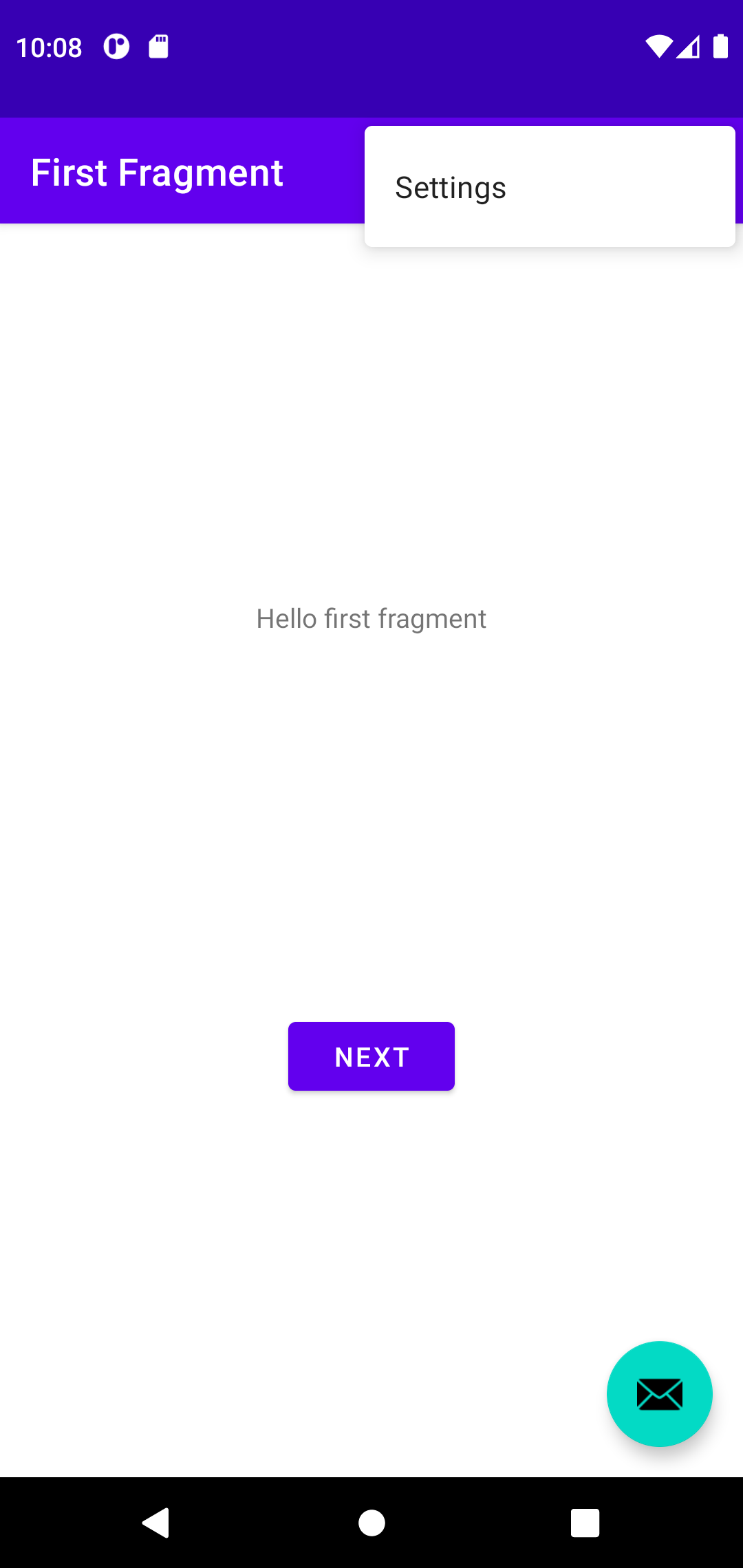
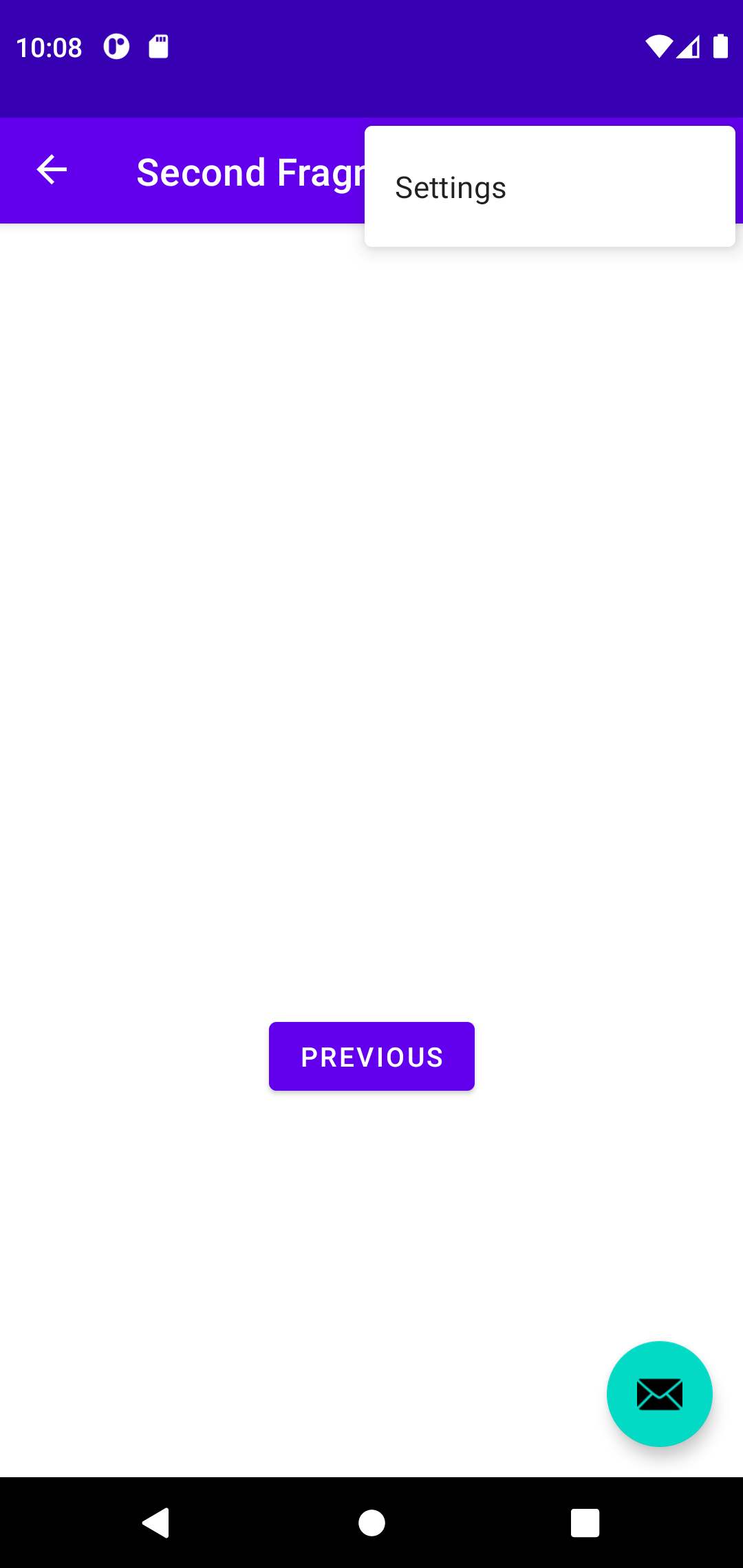
Menu and Fab
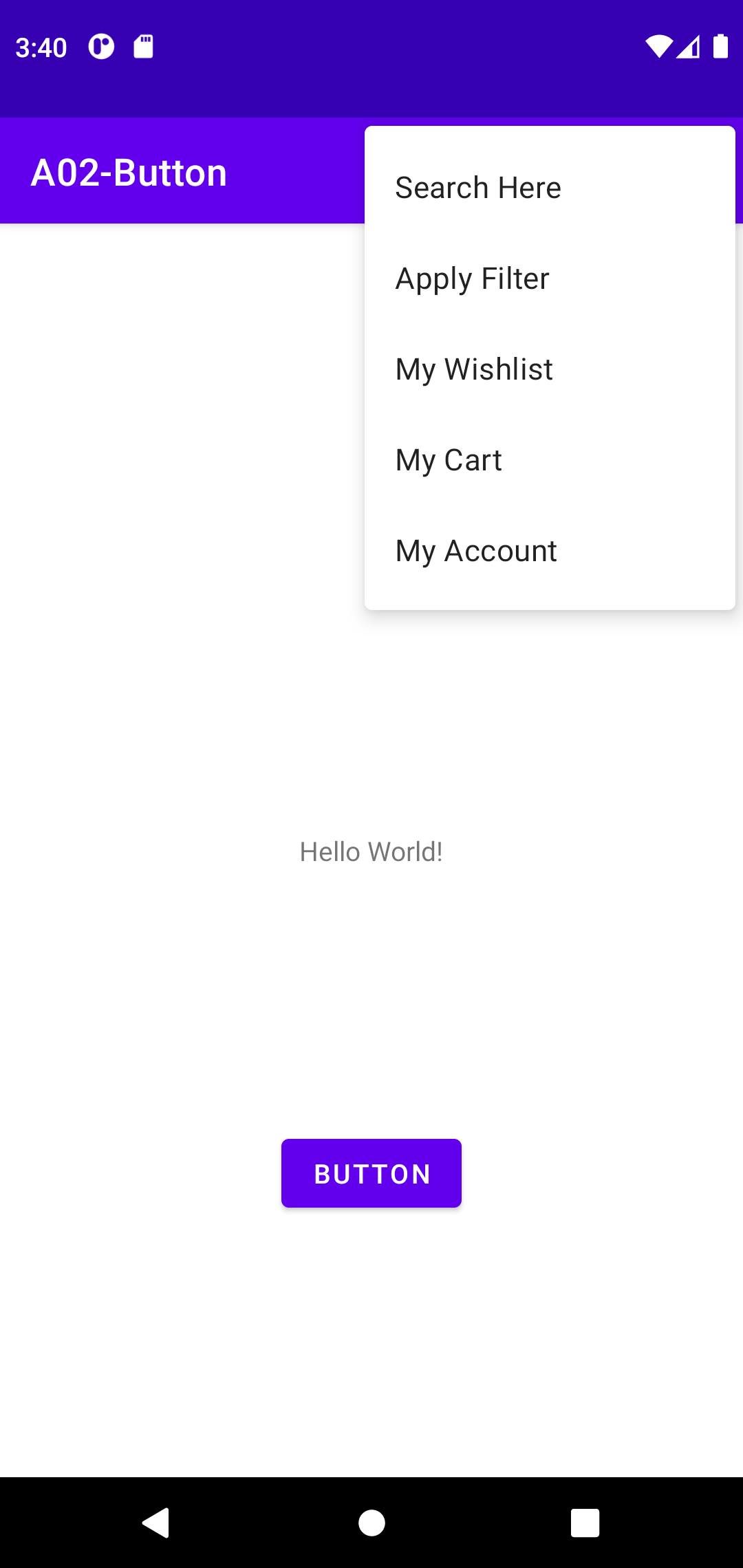
- Menu is a great way of 'trying'
- Less emphasize today -- no discussion in any Text #1-#3
- Menu information from Android Developer -- GOOD for ref, BAD for learning/practice
- How to Learn #1 -- identify proper tutorial
- Summary
- Recent, on topic
- Complte coding WITH import
- Images are plus
- Create options menu
1. res/menu/main_menu.xml

2. onCreateOptionsMenu() in your activity

3. onOptionsItemSelected()
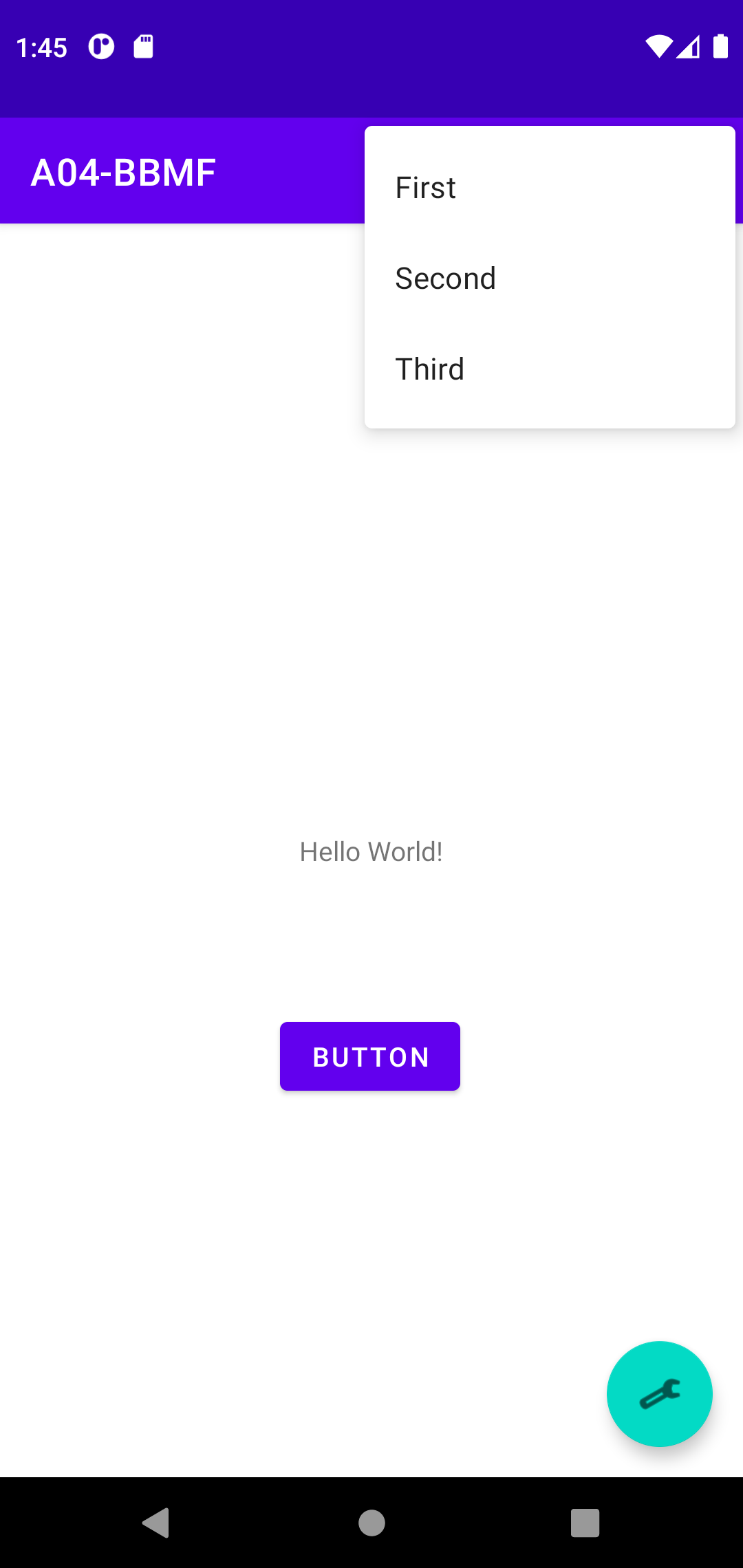
- Android FAB -- A floating action button
    < com.google.android.material.floatingactionbutton.FloatingActionButton
        android:id="@+id/fab"
        android:layout_width="wrap_content"
        android:layout_height="wrap_content"
        android:layout_gravity="bottom|end"
        android:layout_marginEnd="@dimen/fab_margin"
        android:layout_marginBottom="16dp"
        app:srcCompat="@android:drawable/ic_dialog_email" />

        binding.fab.setOnClickListener(new View.OnClickListener() {
            @Override
            public void onClick(View view) {
                Snackbar.make(view, "Replace with your own action", Snackbar.LENGTH_LONG)
                        .setAction("Action", null).show();
            }
        });
- Create A04-BBMF (binding button menu fab) for future testbed
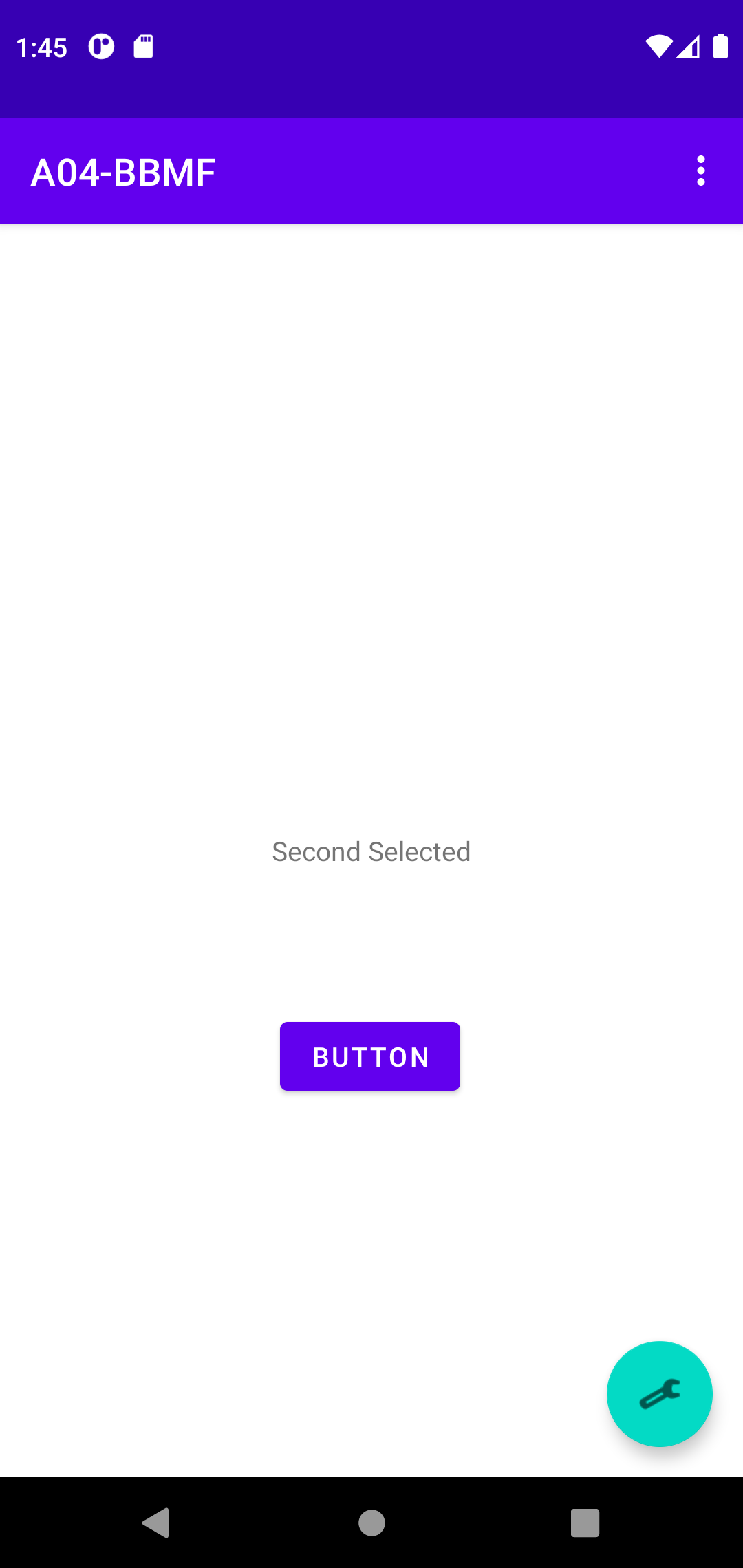
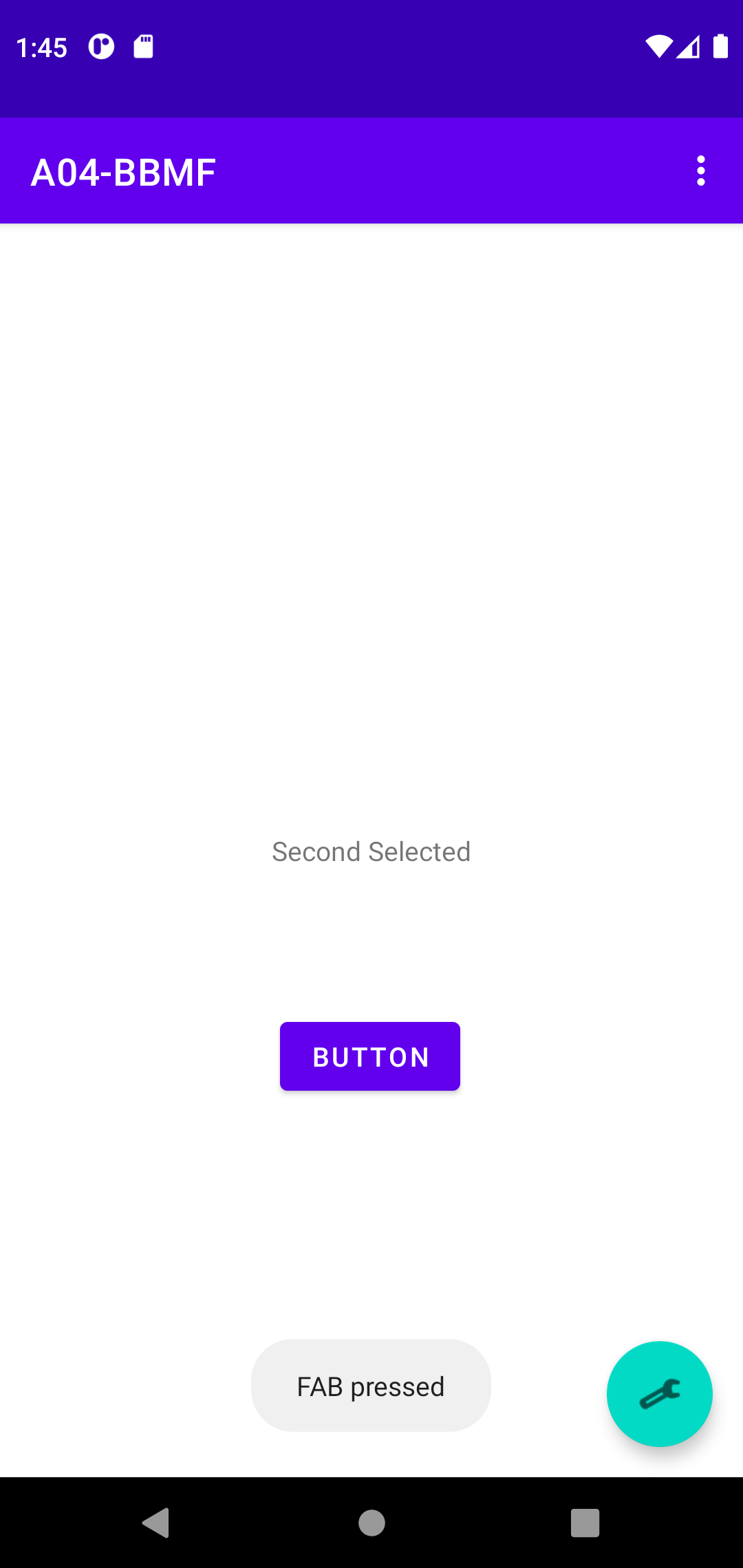
Resource and String Guildline
- One last thing for 'unit one fundamental'
- A03-Basic res/menu/menu_main.xml
<menu xmlns:android="http://schemas.android.com/apk/res/android"
    xmlns:app="http://schemas.android.com/apk/res-auto"
    xmlns:tools="http://schemas.android.com/tools"
    tools:context="com.example.a03_basic.MainActivity">
    <item
        android:id="@+id/action_settings"      <== HERE why @+id
        android:orderInCategory="100"
        android:title="@string/action_settings"
        app:showAsAction="never" />
- A03-Basic res/values/strings.xml
<resources>
    <string name="app_name">A03-Basic
    <string name="action_settings">Settings      <== HERE @+id/action_settings

    <string name="first_fragment_label">First Fragment
    <string name="second_fragment_label">Second Fragment
    <string name="next">Next
    <string name="previous">Previous

    <string name="hello_first_fragment">Hello first fragment
    <string name="hello_second_fragment">Hello second fragment. Arg: %1$s
- In fact, look at res/menu/menu_main.xml eariler for the menu
- Text #3 Chapter 8, pp127 -- Getting Descriptive
There are literally decades of lessons learned by programmers the hard way that all
boil down to the maxim “abstract literal strings out of your code – you will thank me later.”
- 'Kind of MVC' -- string values as model, xml as view, java as control
- Historically, common practice in UNIX -> Linux -> Android
- Android Resource Guidline for Constants
Define string/color/dimension/theme/ ... values descriptively in separate res/values/.xml
- One final though -- soon (why? demand drived)
ViewBinding in ios
Tips of the Day
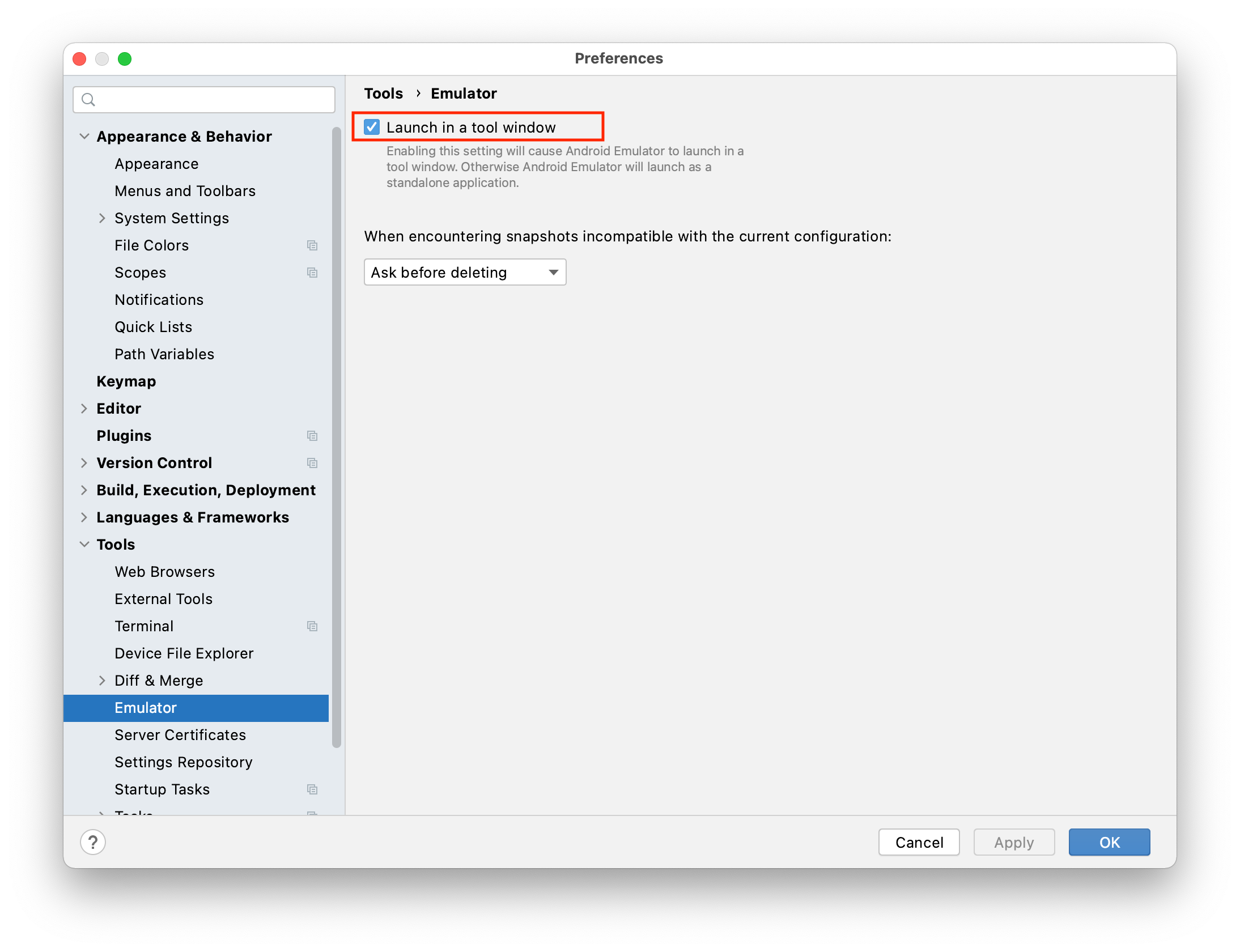
- Emulator in the same window
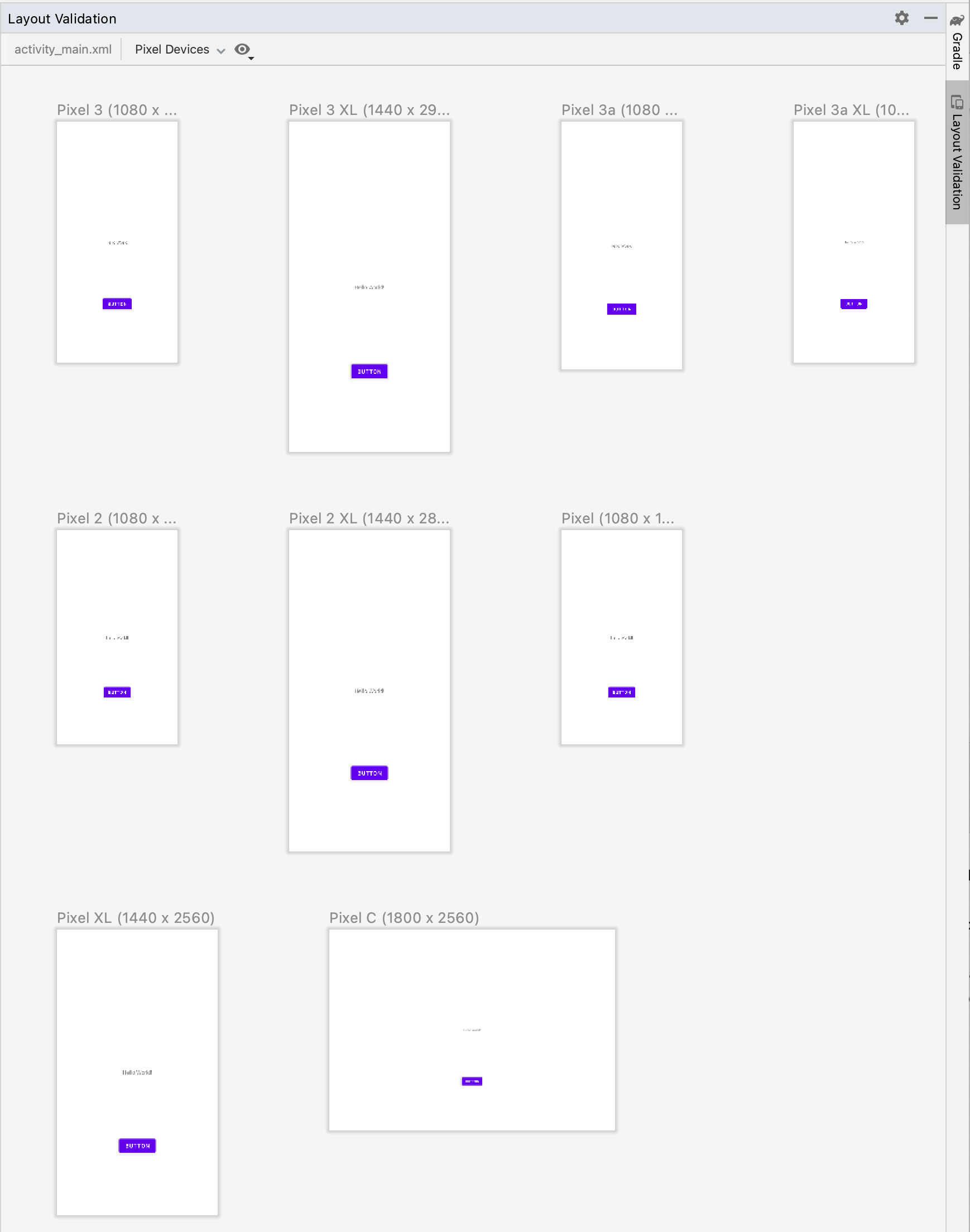
- Layout Validation
- Topics
- Java Inner Class for onClick interface
- ViewBinding and findViewById()
- Menu and fab for 'trying'
- Define constants in xml file
- ios storyboard ViewBinding is imperative