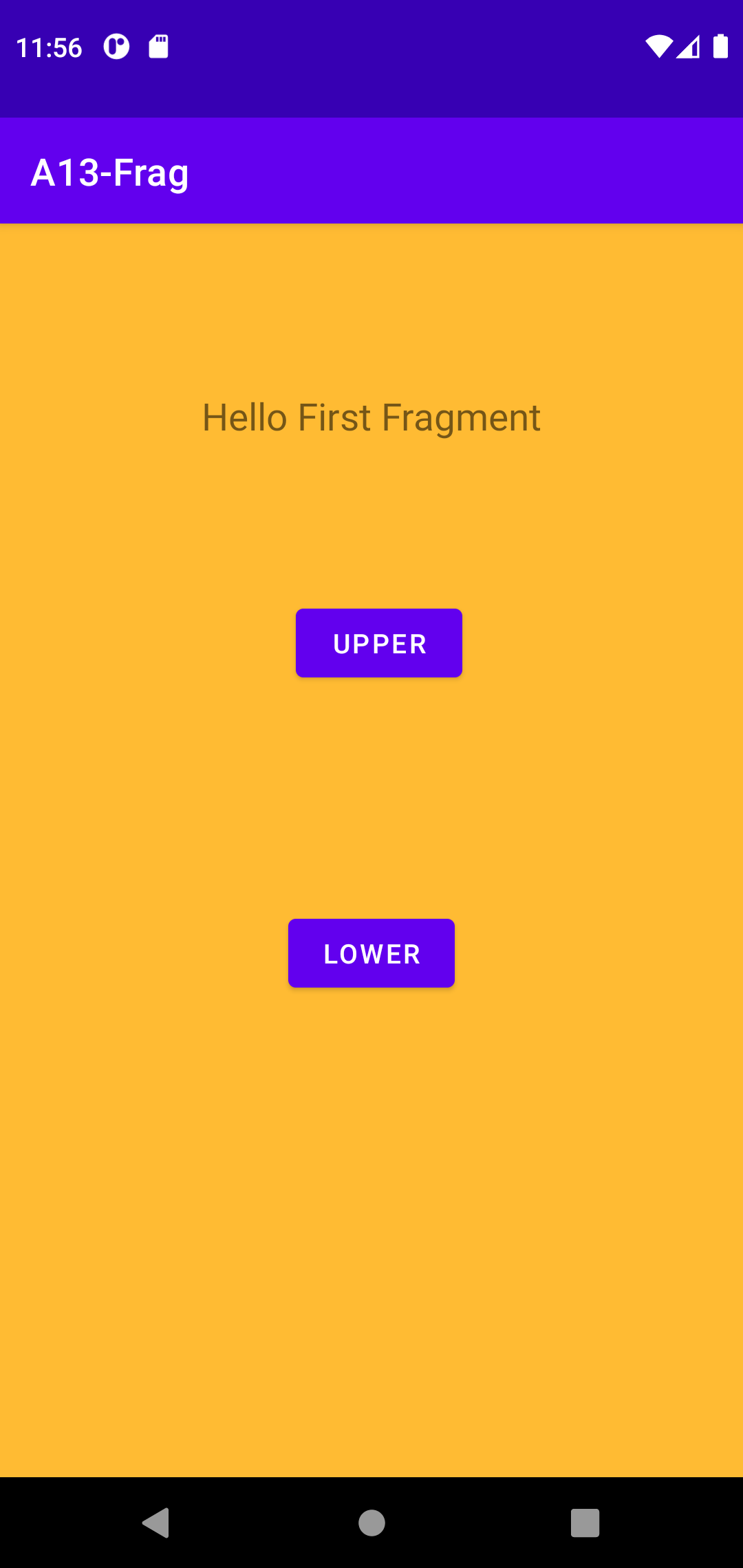
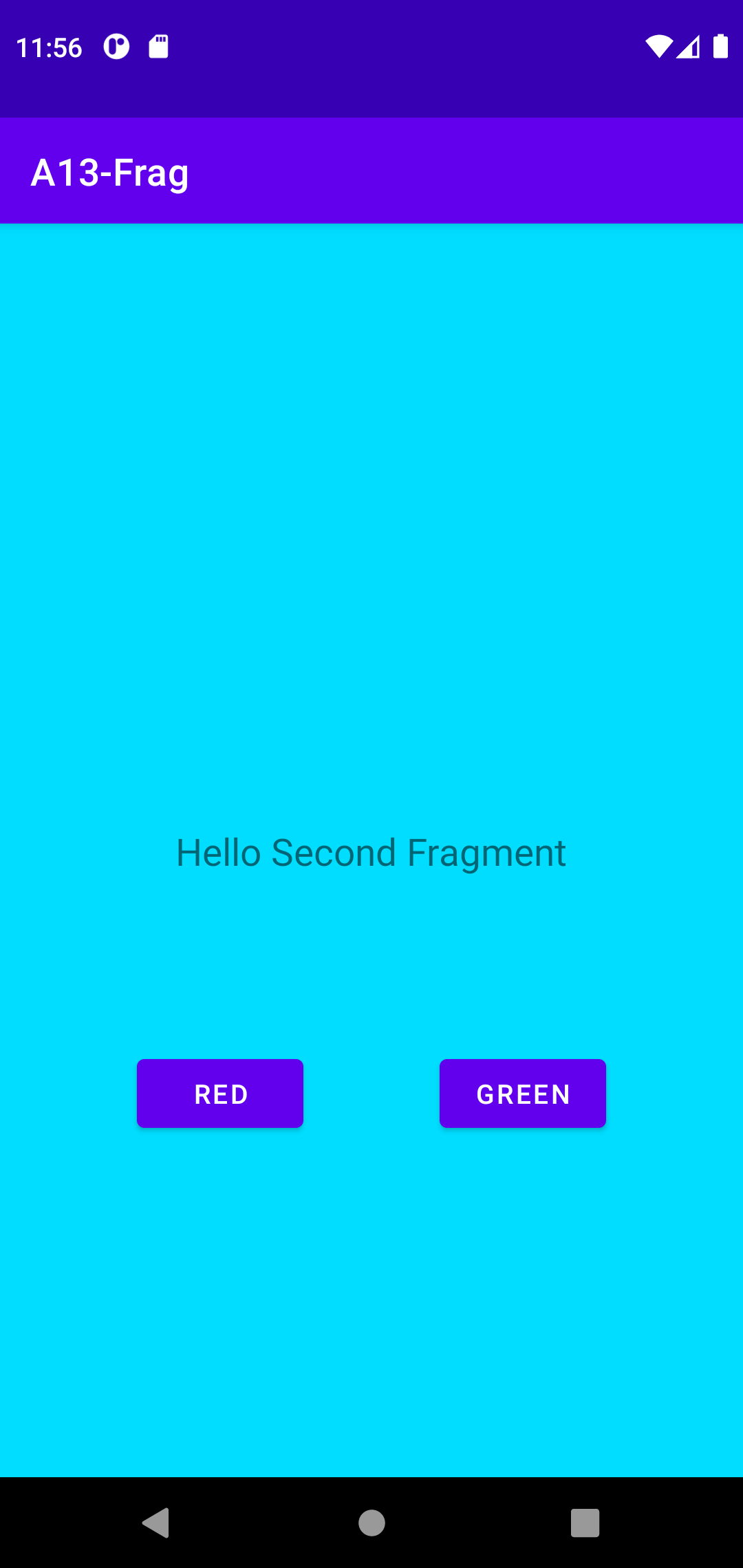
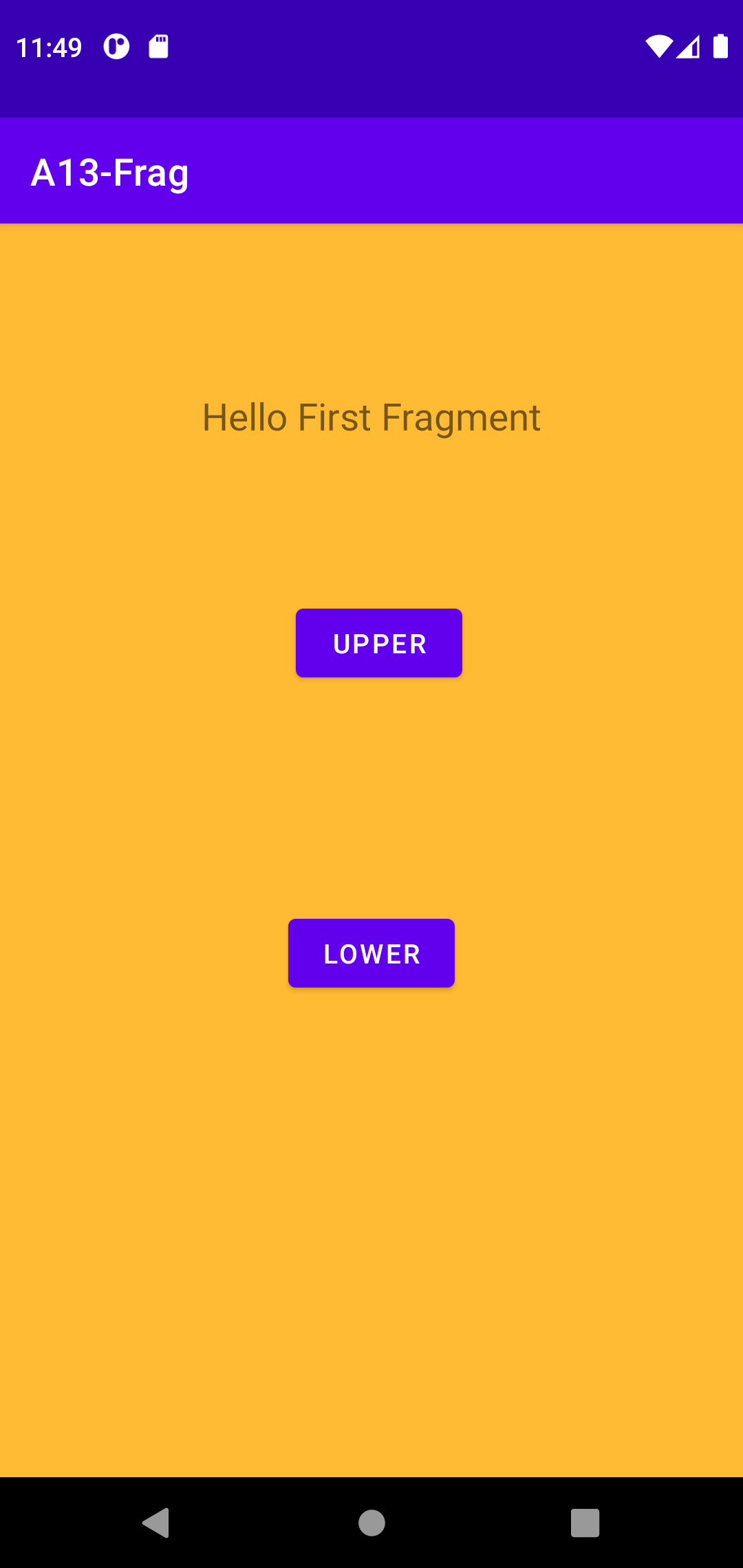
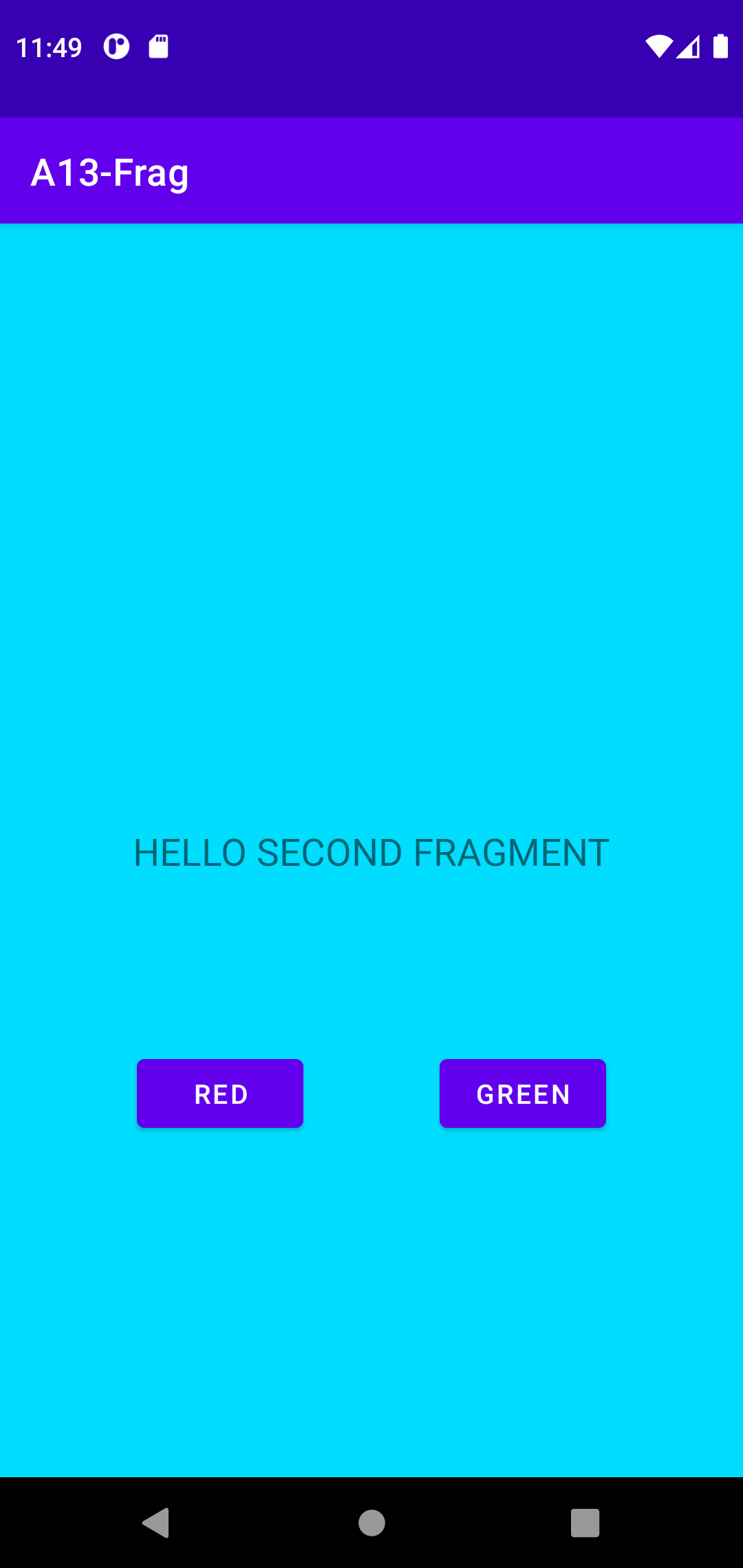
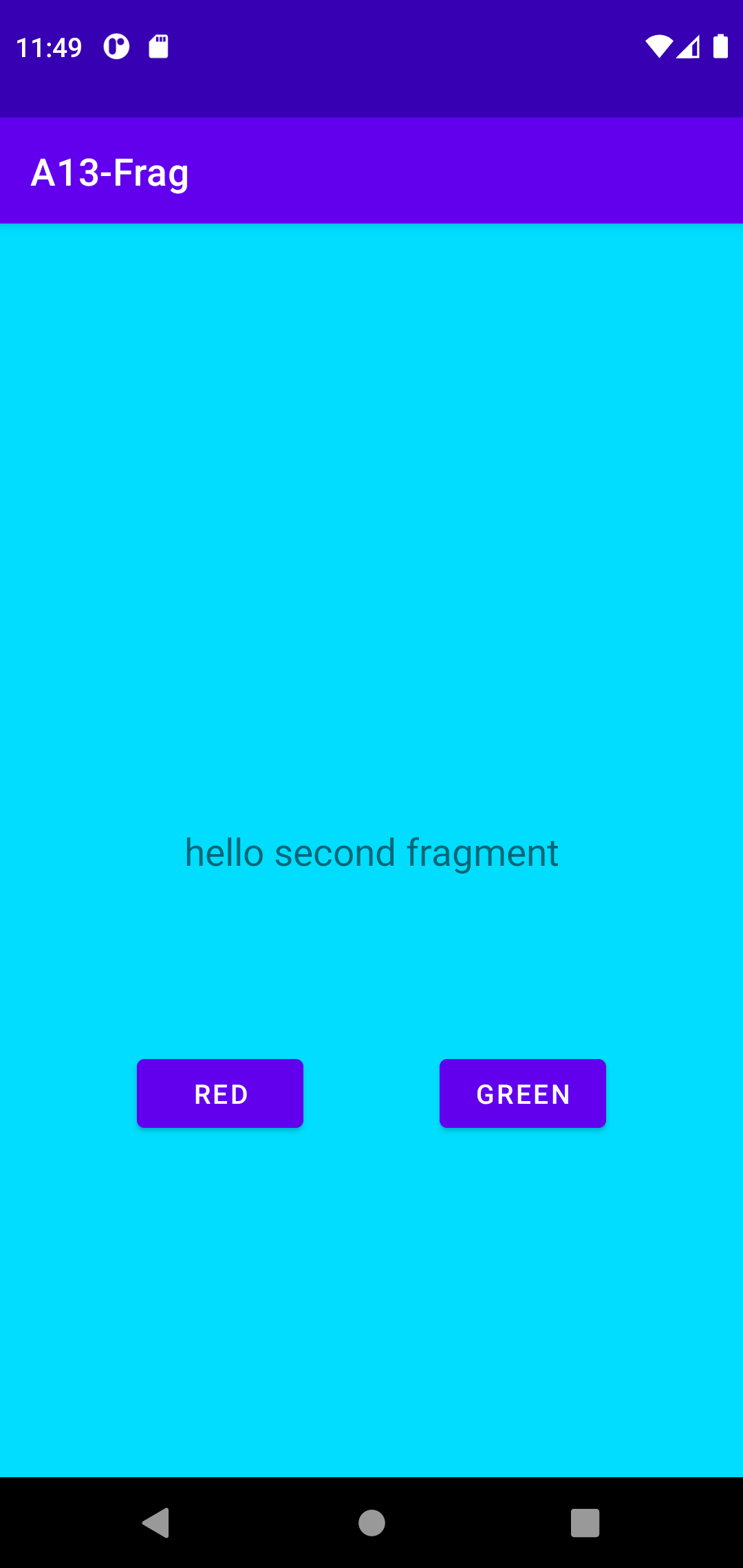
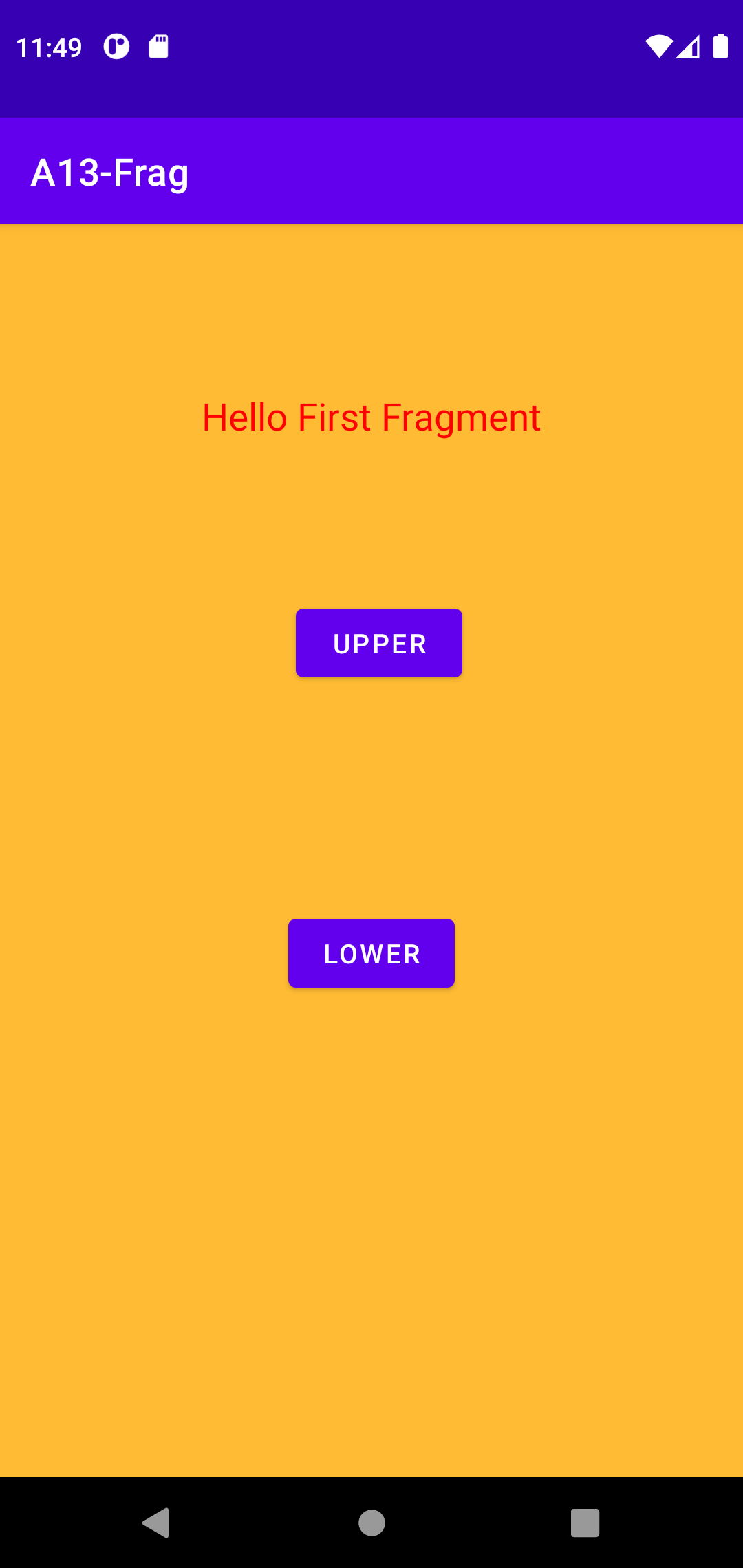
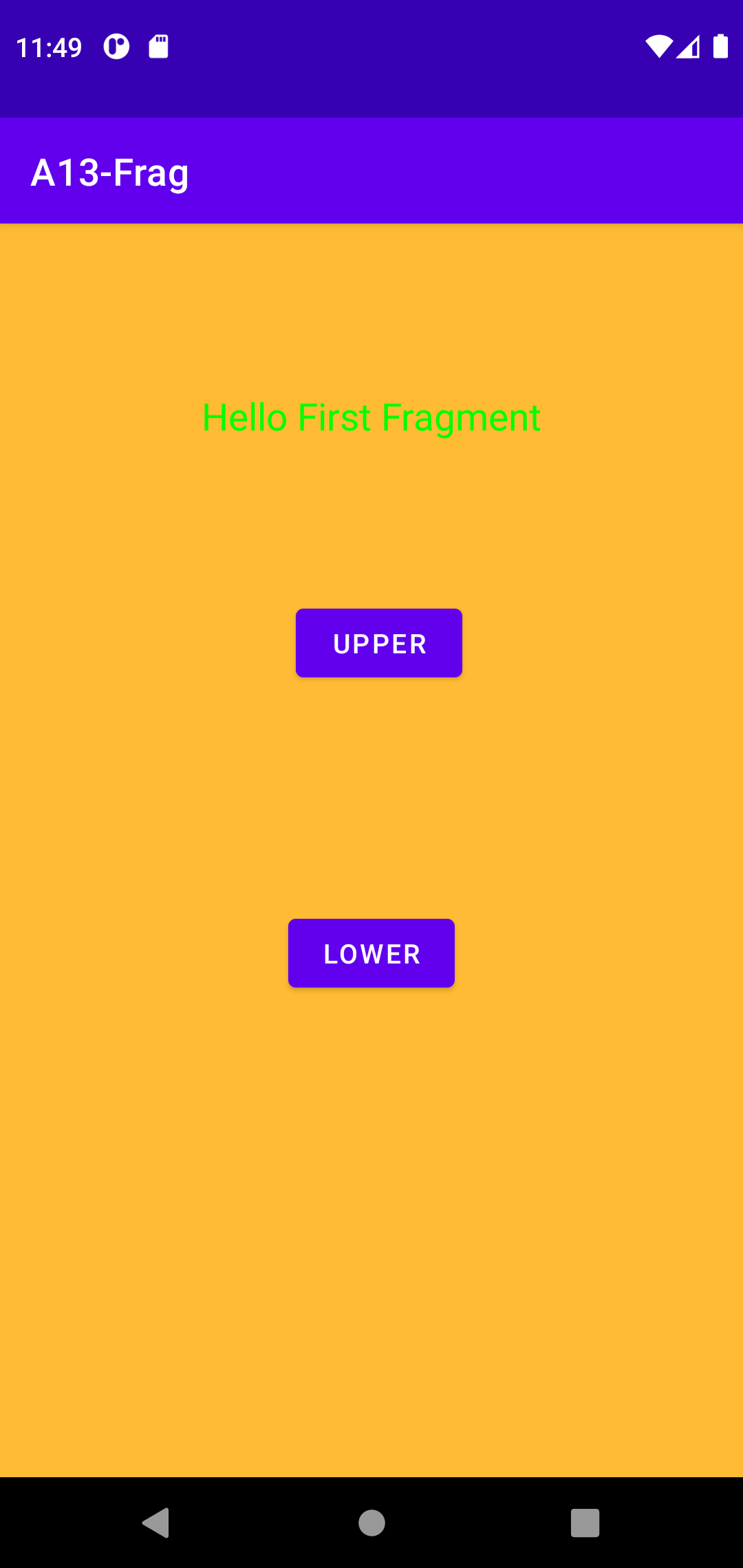
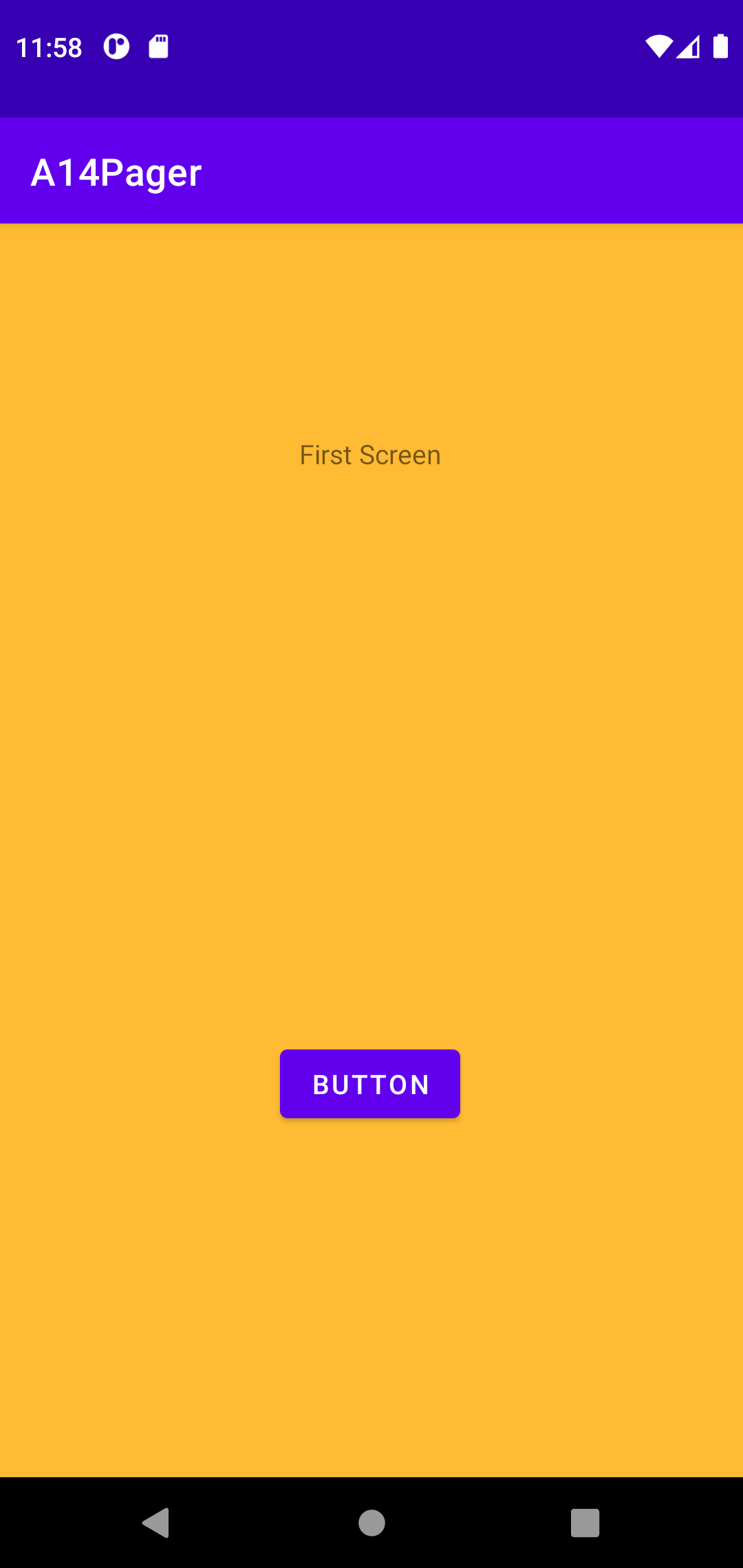
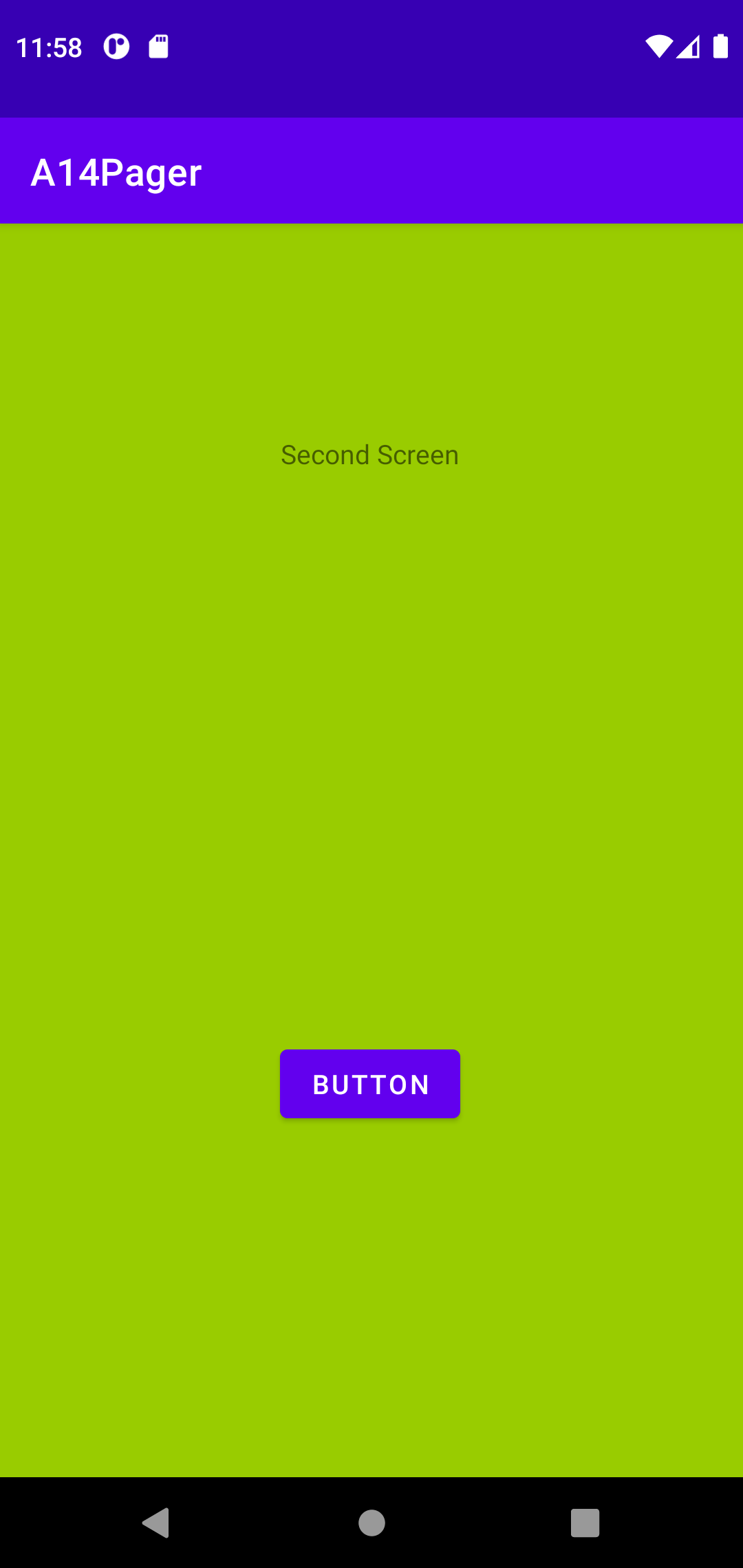
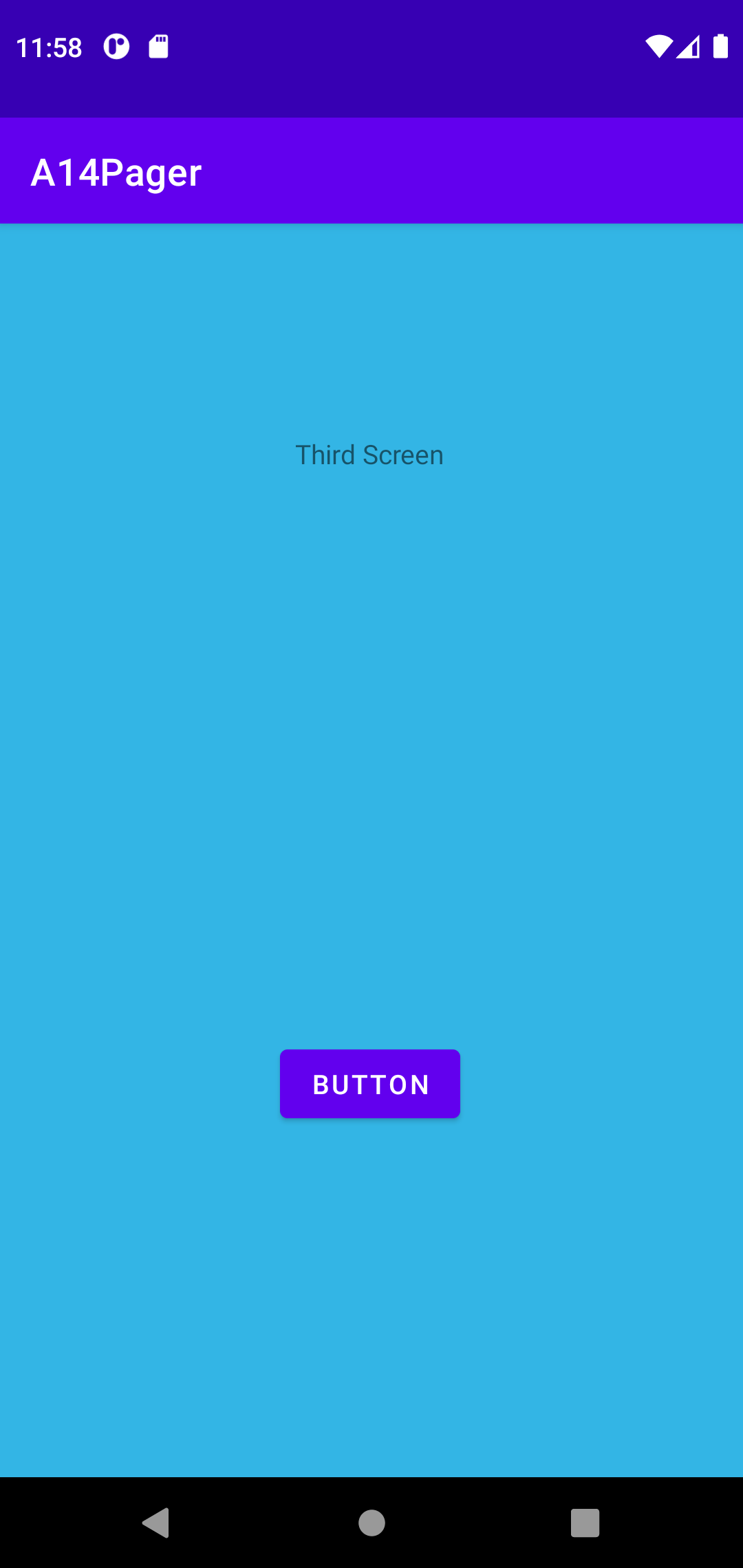
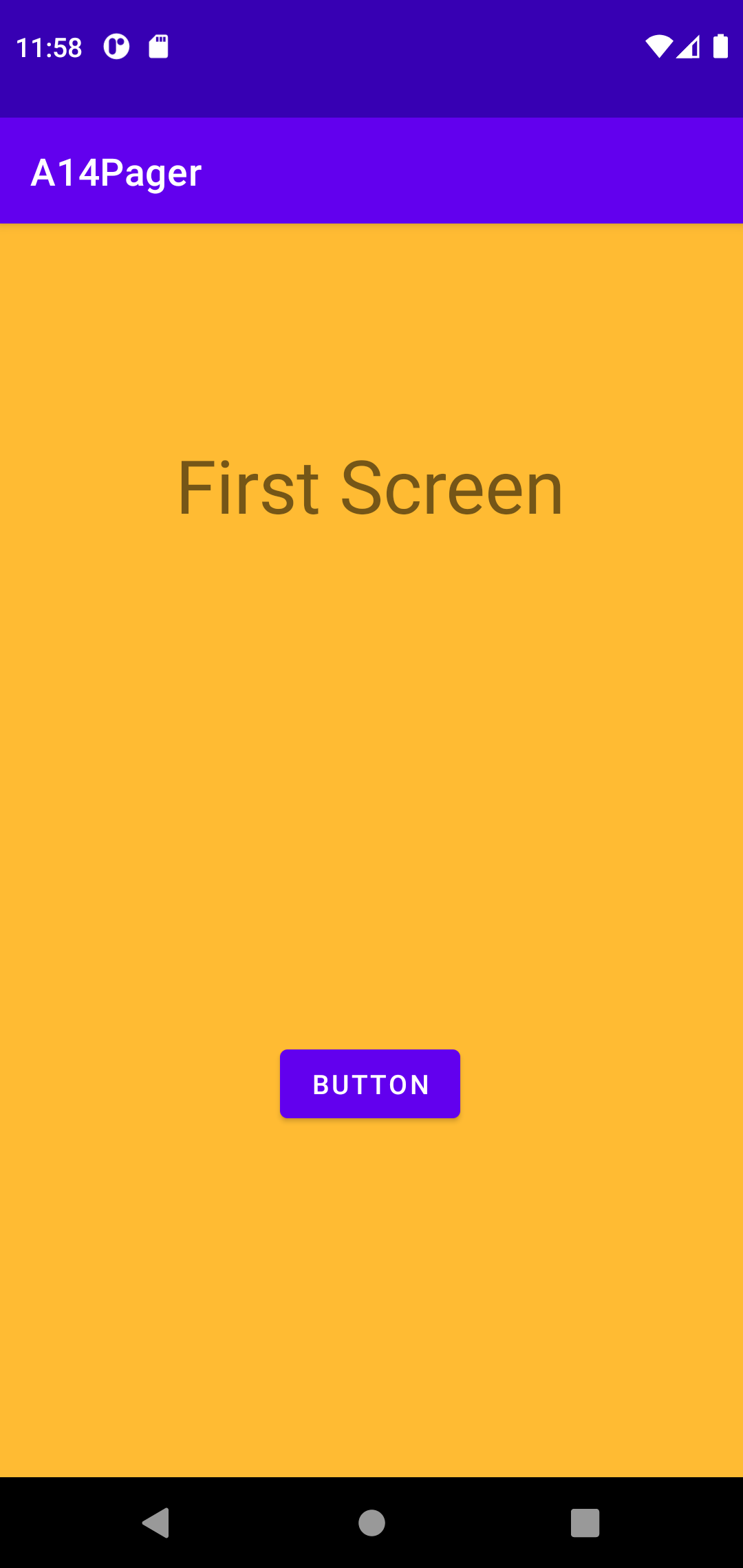
- A13-Frag ver05
- activity_main only has a placeholder (framelayout)
- it displays (load) one out of two fragments (FragmentOne, FragmentTwo)
- Fragment One has button to switch to Fragment Two
- Fragment Two has button to switch to Fragment One
- Button click, fragment switch are communicated via interface/listerner MyFragmentDataPassListener
- activity_main.xml
<androidx.constraintlayout.widget.ConstraintLayout xmlns:android="http://schemas.android.com/apk/res/android"
    xmlns:app="http://schemas.android.com/apk/res-auto"
    xmlns:tools="http://schemas.android.com/tools"
    android:layout_width="match_parent"
    android:layout_height="match_parent"
    tools:context=".MainActivity">

    <FrameLayout
    android:id="@+id/vv_fragContainer"
    android:layout_width="match_parent"
    android:layout_height="match_parent" />

</androidx.constraintlayout.widget.ConstraintLayout>
- fragment_one.xml
<androidx.constraintlayout.widget.ConstraintLayout xmlns:android="http://schemas.android.com/apk/res/android"
    xmlns:app="http://schemas.android.com/apk/res-auto"
    xmlns:tools="http://schemas.android.com/tools"
    android:layout_width="match_parent"
    android:layout_height="match_parent"
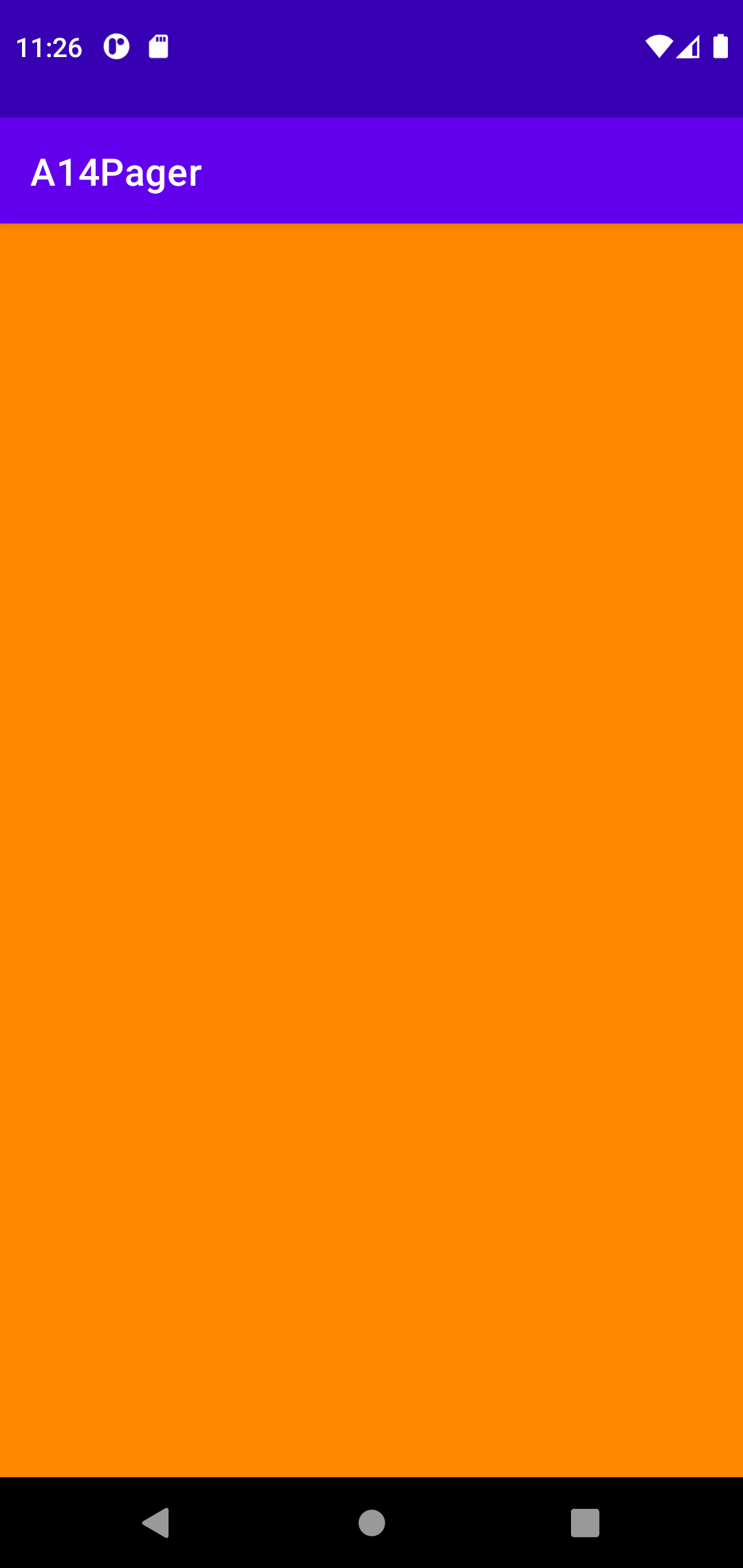
    android:background="@android:color/holo_orange_light"
    tools:context=".FragmentOne">

    <TextView
        android:id="@+id/vv_tvOne"
        android:layout_width="wrap_content"
        android:layout_height="wrap_content"
        android:layout_marginTop="88dp"
        android:text="Hello First Fragment"
        android:textSize="20sp"
        app:layout_constraintEnd_toEndOf="parent"
        app:layout_constraintStart_toStartOf="parent"
        app:layout_constraintTop_toTopOf="parent" />

    <Button
        android:id="@+id/vv_btnOne01"
        android:layout_width="wrap_content"
        android:layout_height="wrap_content"
        android:layout_marginStart="4dp"
        android:layout_marginBottom="116dp"
        android:text="Upper"
        app:layout_constraintBottom_toTopOf="@+id/vv_btnOne02"
        app:layout_constraintStart_toStartOf="@+id/vv_btnOne02" />

    <Button
        android:id="@+id/vv_btnOne02"
        android:layout_width="wrap_content"
        android:layout_height="wrap_content"
        android:layout_marginBottom="253dp"
        android:text="Lower"
        app:layout_constraintBottom_toBottomOf="parent"
        app:layout_constraintEnd_toEndOf="parent"
        app:layout_constraintStart_toStartOf="parent" />

</androidx.constraintlayout.widget.ConstraintLayout>
- fragment_two.xml
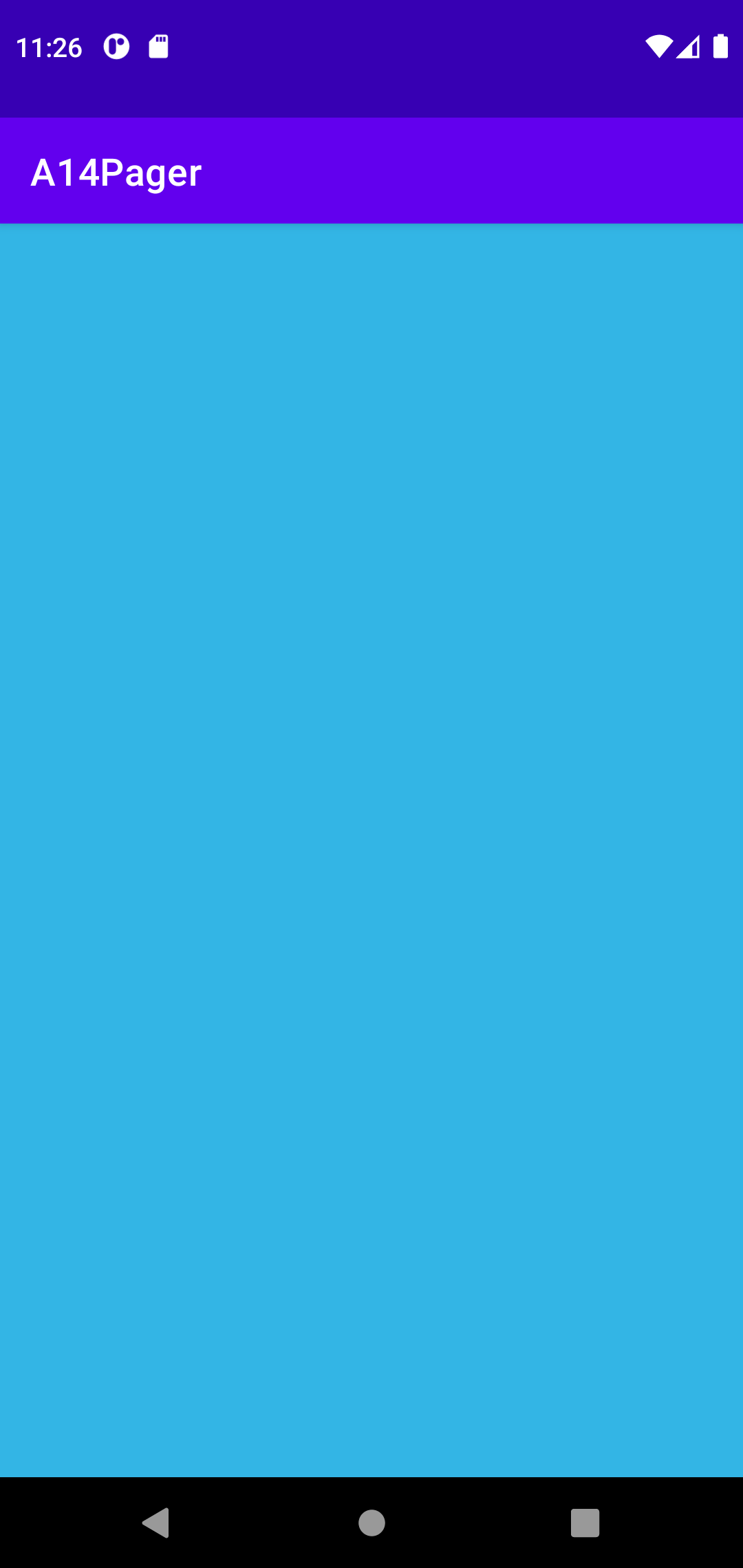
android:background="@android:color/holo_blue_bright"
@+id/vv_tvTwo
@+id/vv_btnTwo01
@+id/vv_btnTwo02
- Create an interface MyFragmentDataPassListener.java
public interface MyFragmentDataPassListener {
    public void cf_firedByFragment(String str, int source);
}
- MainActivity.java
- create 2 fragements, load via FragmentManager
- implements MyFragmentDataPassListener
- overide method cf_firedByFragment
- cf_firedByFragment() does the fragment switch
- **Here, no .remove(frag01) why? -- not draw frag01 twice, but has problems -- see ver06
import androidx.appcompat.app.AppCompatActivity;
import androidx.fragment.app.Fragment;
import android.os.Bundle;

public class MainActivity extends AppCompatActivity implements MyFragmentDataPassListener {
    FragmentOne frag01;
    FragmentTwo frag02;

    @Override
    protected void onCreate(Bundle savedInstanceState) {
        super.onCreate(savedInstanceState);
        setContentView(R.layout.activity_main);

        frag01 = new FragmentOne();
        frag02 = new FragmentTwo();
        setContentFragment(1);
    }

    public static void loadFragment(AppCompatActivity activity, int containerId, Fragment fragment, String tag) {
        activity.getSupportFragmentManager().beginTransaction().
                replace(containerId, fragment,tag).commitAllowingStateLoss();
    }

    public void setContentFragment(int id) {
        switch (id) {
            case 1: loadFragment(this, R.id.vv_fragContainer,frag01,"fragment1");
                break;
            case 2: loadFragment(this, R.id.vv_fragContainer,frag02,"fragment2");
                break;
        }
    }

    @Override
    public void cf_firedByFragment(String str, int source) {
        if (source == 1) {
            setContentFragment(2);
        }
        else if (source == 2) {
            setContentFragment(1);
        }
    }
- FragmentOne.java
- MyFragmentDataPassListener instance cv_listener
- @Override onAttach(), assign cv_listener to MainActivity (which implements MyFragmentDataPassListener)
- Recall your JAVA knowledge of interface
- Button click calls cv_listener.cf_firedByFragment(String, int)
- cv_listener.cf_firedByFragment DOES the actually data passing from Fragment to Activity
import android.content.Context;
import android.os.Bundle;
import androidx.fragment.app.Fragment;
import android.view.LayoutInflater;
import android.view.View;
import android.view.ViewGroup;
import android.widget.Button;
import android.widget.TextView;

public class FragmentOne extends Fragment {
    TextView cv_tv;
    private MyFragmentDataPassListener cv_listener;

    @Override
    public void onCreate(Bundle savedInstanceState) {
        super.onCreate(savedInstanceState);
    }

    @Override
    public void onAttach(Context context) {
        super.onAttach(context);
        if (context instanceof MyFragmentDataPassListener) {
            cv_listener = (MyFragmentDataPassListener) context;
        } else {
            throw new ClassCastException(context.toString() + " must MyFragmentDataPassListener");
        }
    }

    @Override
    public View onCreateView(LayoutInflater inflater, ViewGroup container,
                             Bundle savedInstanceState) {
        View v = inflater.inflate(R.layout.fragment_one, container, false);

        cv_tv = (TextView) v.findViewById(R.id.vv_tvOne);

        Button lv_btn01 = (Button) v.findViewById(R.id.vv_btnOne01);
        lv_btn01.setOnClickListener(new View.OnClickListener() {
            @Override
            public void onClick(View v) {
                cv_listener.cf_firedByFragment("UPPER", 1);
            }
        });
        Button lv_btn02 = (Button) v.findViewById(R.id.vv_btnOne02);
        lv_btn02.setOnClickListener(new View.OnClickListener() {
            @Override
            public void onClick(View v) {
                cv_listener.cf_firedByFragment("LOWER", 1);
            }
        });

        return v;
    }
}
- FragmentTwo.java
almost identical
cv_listener.cf_firedByFragment("#FF0000", 2);
cv_listener.cf_firedByFragment("#00FF00", 2);