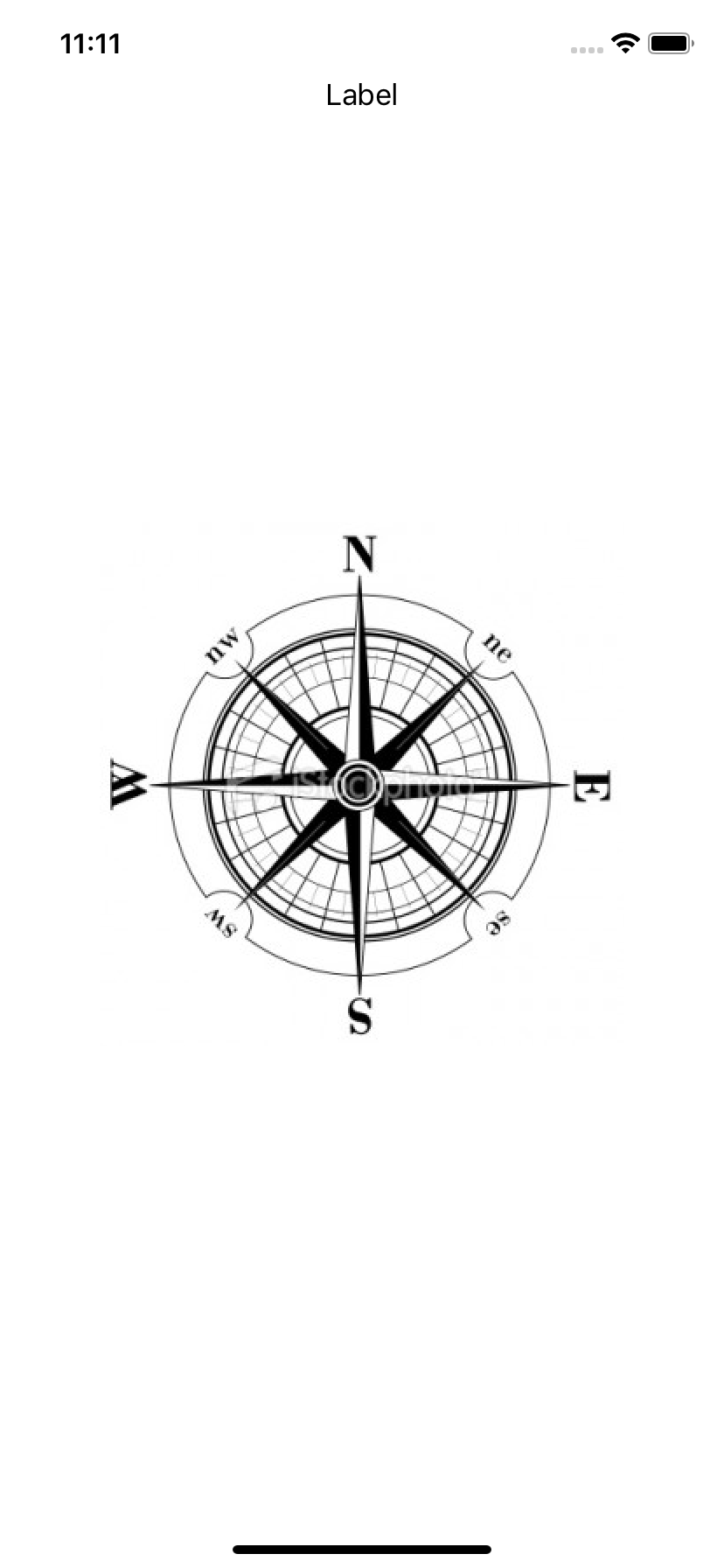
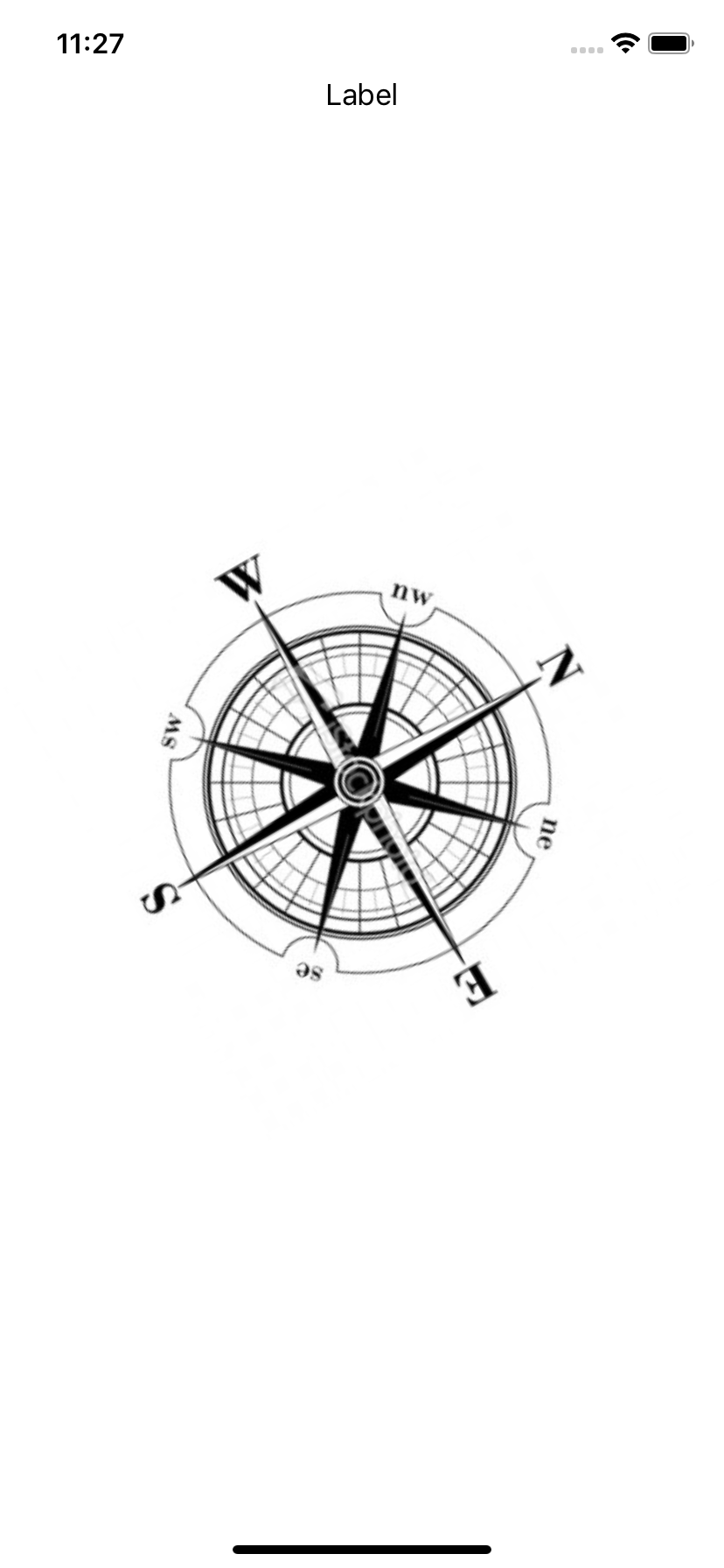
@IBOutlet weak var vv_cntLabel: UILabel! @IBOutlet weak var vv_startItem: UIBarButtonItem! @IBOutlet weak var vv_stopItem: UIBarButtonItem!
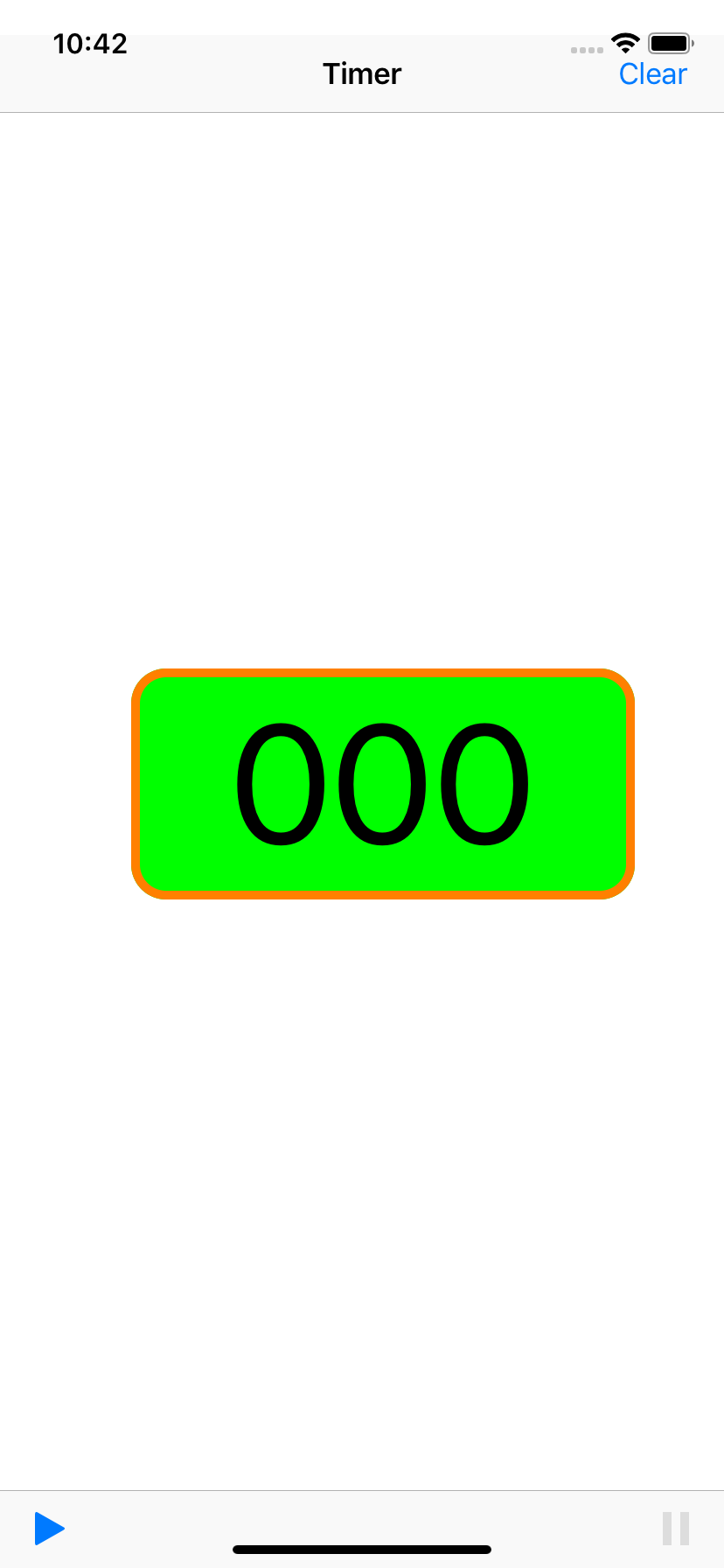
vv_cntLabel.layer.cornerRadius = 20 vv_cntLabel.layer.borderWidth = 5 vv_cntLabel.layer.borderColor = UIColor.orange.cgColor vv_cntLabel.layer.backgroundColor = UIColor.green.cgColor
Swift 3, Xcode 8.3 CALayer extension Swift 4, Xcode 9.2 - Use IBDesignable and IBInspectable
class ViewController: UIViewController {
var cv_timer : NSTimer = NSTimer()
var cv_counter : NSInteger = 0
@IBAction func cf_startCnt(_ sender: UIBarButtonItem) {
cv_timer = Timer.scheduledTimer(timeInterval: 0.2, target: self,
selector: #selector(cfp_updateCnt), userInfo: nil, repeats: true);
}
@objc func cfp_updateCnt() {
cv_counter = cv_counter+1
vv_cntLabel.text = String(cv_counter)
}
let string = "abc" // Pad at end string.padding(toLength: 7, withPad: "X", startingAt: 0) // "abcXXXX" // Pad at start String(String(string.reversed()).padding(toLength: 7, withPad: "X", startingAt: 0).reversed()) // "XXXXabc"
class ViewController: UIViewController {
var cv_timer : Timer = Timer()
var cv_counter : NSInteger = 0
override func viewDidLoad() {
super.viewDidLoad()
//vv_stopItem.isEnabled = false
vv_cntLabel.layer.cornerRadius = 20
vv_cntLabel.layer.borderWidth = 5
vv_cntLabel.layer.borderColor = UIColor.orange.cgColor
vv_cntLabel.layer.backgroundColor = UIColor.green.cgColor
}
@IBOutlet weak var vv_cntLabel: UILabel!
@IBOutlet weak var vv_startItem: UIBarButtonItem!
@IBOutlet weak var vv_stopItem: UIBarButtonItem!
@IBAction func cf_startCnt(_ sender: UIBarButtonItem) {
cv_timer = Timer.scheduledTimer(timeInterval: 0.2, target: self, selector:
#selector(cfp_updateCnt), userInfo: nil, repeats: true);
sender.isEnabled = false
vv_stopItem.isEnabled = true
}
@IBAction func cf_stopCnt(_ sender: UIBarButtonItem) {
cv_timer.invalidate()
sender.isEnabled = false
vv_startItem.isEnabled = true
}
@IBAction func cf_clearCnt(_ sender: UIBarButtonItem) {
cv_timer.invalidate()
cv_counter = 0
vv_cntLabel.text = "000"
vv_startItem.isEnabled = true
vv_stopItem.isEnabled = false
}
@objc func cfp_updateCnt() {
cv_counter = cv_counter+1
let str = String(cv_counter)
vv_cntLabel.text = String(String(str.reversed()).padding(toLength: 3,
withPad: "0", startingAt: 0).reversed())
}
}
import AVFoundation let cv_speechSynthesizer = AVSpeechSynthesizer() let lv_myUtterance = AVSpeechUtterance(string: "You are facing") cv_speechSynthesizer.speak(lv_myUtterance)
import UIKit
import AVFoundation
class ViewController: UIViewController {
var cv_speechSynthesizer = AVSpeechSynthesizer()
override func viewDidLoad() {
super.viewDidLoad()
let lv_tap = UITapGestureRecognizer(target: self, action: #selector(cf_tapCompass))
vv_imageView.addGestureRecognizer(lv_tap)
// can be set in GUI - attribute inspector
vv_imageView.isUserInteractionEnabled = true
}
@IBOutlet weak var vv_imageView: UIImageView!
@IBOutlet weak var vv_label: UILabel!
@objc func cf_tapCompass(gestureRecognizer: UITapGestureRecognizer) {
// if the tapped view is a UIImageView then set it to imageview
if (gestureRecognizer.view as? UIImageView) != nil {
// vv_label.text = "You are facing"
let lv_myUtterance = AVSpeechUtterance(string: "You are facing")
lv_myUtterance.rate = 0.5
cv_speechSynthesizer.speak(lv_myUtterance)
}
}
}
UIView.animate(withDuration: 0.5, animations: {
self.vv_imageView.transform = CGAffineTransform(rotationAngle: (60.0 * CGFloat(M_PI)) / 180.0)
})
...
var cv_degree = 0.0
...
UIView.animate(withDuration: 0.5, animations: {
self.cv_degree = self.cv_degree + 60.0;
self.vv_imageView.transform = CGAffineTransform(rotationAngle:
( CGFloat(self.cv_degree) * CGFloat(Double.pi) ) / 180.0)
import CoreLocation
cv_locationManager = CLLocationManager()
cv_locationManager.delegate = self
if CLLocationManager.locationServicesEnabled() {
cv_locationManager.startUpdatingHeading()
}
func locationManager(_ manager: CLLocationManager, didUpdateHeading newHeading: CLHeading) {
let lv_heading = newHeading.magneticHeading
vv_label.text = "Heading: \(String(format: "%04.1f", lv_heading)) degrees"
let index = Int(round(lv_heading / 45.0))
cv_strDirection = cv_strDir[index]
UIView.animate(withDuration: 0.5, animations: {
self.vv_imageView.transform = CGAffineTransform(rotationAngle: (CGFloat(-lv_heading) * CGFloat(Double.pi)) / 180.0)
})
}
import UIKit
import AVFoundation
import CoreLocation
class ViewController: UIViewController, CLLocationManagerDelegate {
var cv_speechSynthesizer : AVSpeechSynthesizer!
var cv_locationManager : CLLocationManager!
var cv_strDirection : String = ""
var cv_strDir : [String] = ["North","Northeast","East","Southeast","South","Southwest","West","Northwest","North"]
override func viewDidLoad() {
super.viewDidLoad()
cv_speechSynthesizer = AVSpeechSynthesizer()
let lv_tap = UITapGestureRecognizer(target: self, action: #selector(cf_tapCompass))
vv_imageView.addGestureRecognizer(lv_tap)
// can be set in GUI - attribute inspector
vv_imageView.isUserInteractionEnabled = true
cv_locationManager = CLLocationManager()
cv_locationManager.delegate = self
////cv_locationManager.headingFilter = 5; // 5 degrees
if CLLocationManager.locationServicesEnabled() {
cv_locationManager.startUpdatingHeading()
}
}
@IBOutlet weak var vv_imageView: UIImageView!
@IBOutlet weak var vv_label: UILabel!
@objc func cf_tapCompass(gestureRecognizer: UITapGestureRecognizer) {
// if the tapped view is a UIImageView then set it to imageview
if (gestureRecognizer.view as? UIImageView) != nil {
// vv_label.text = "You are facing"
let lv_myUtterance = AVSpeechUtterance(string: "You are facing \(cv_strDirection)")
lv_myUtterance.rate = 0.55
cv_speechSynthesizer.speak(lv_myUtterance)
}
}
func locationManager(_ manager: CLLocationManager, didUpdateHeading newHeading: CLHeading) {
let lv_heading = newHeading.magneticHeading
vv_label.text = "Heading: \(String(format: "%04.1f", lv_heading)) degrees"
let index = Int(round(lv_heading / 45.0))
cv_strDirection = cv_strDir[index]
UIView.animate(withDuration: 0.5, animations: {
self.vv_imageView.transform = CGAffineTransform(rotationAngle: (CGFloat(-lv_heading) * CGFloat(Double.pi)) / 180.0)
})
}
}
If you have multiple objects on a user interface, adding multiple constraints can be clumsy, especially if you need to rearrange objects. To simplify putting constraints on individual objects, you can organize objects into stacks. This lets you move groups of objects around and place constraints on that group rather than on all individual objects in that group.