Apr 13, 2022 -- HTTP, JSON, and EV3
Outline
- Internet
- JSON
- 14.1.5 Monitoring the Bluetooth Connection
- Storyboards
- Static ListNav
Internet
JSON
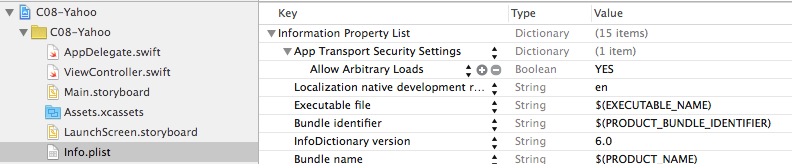
- C13WebJSON-ver2
- Parse JSON
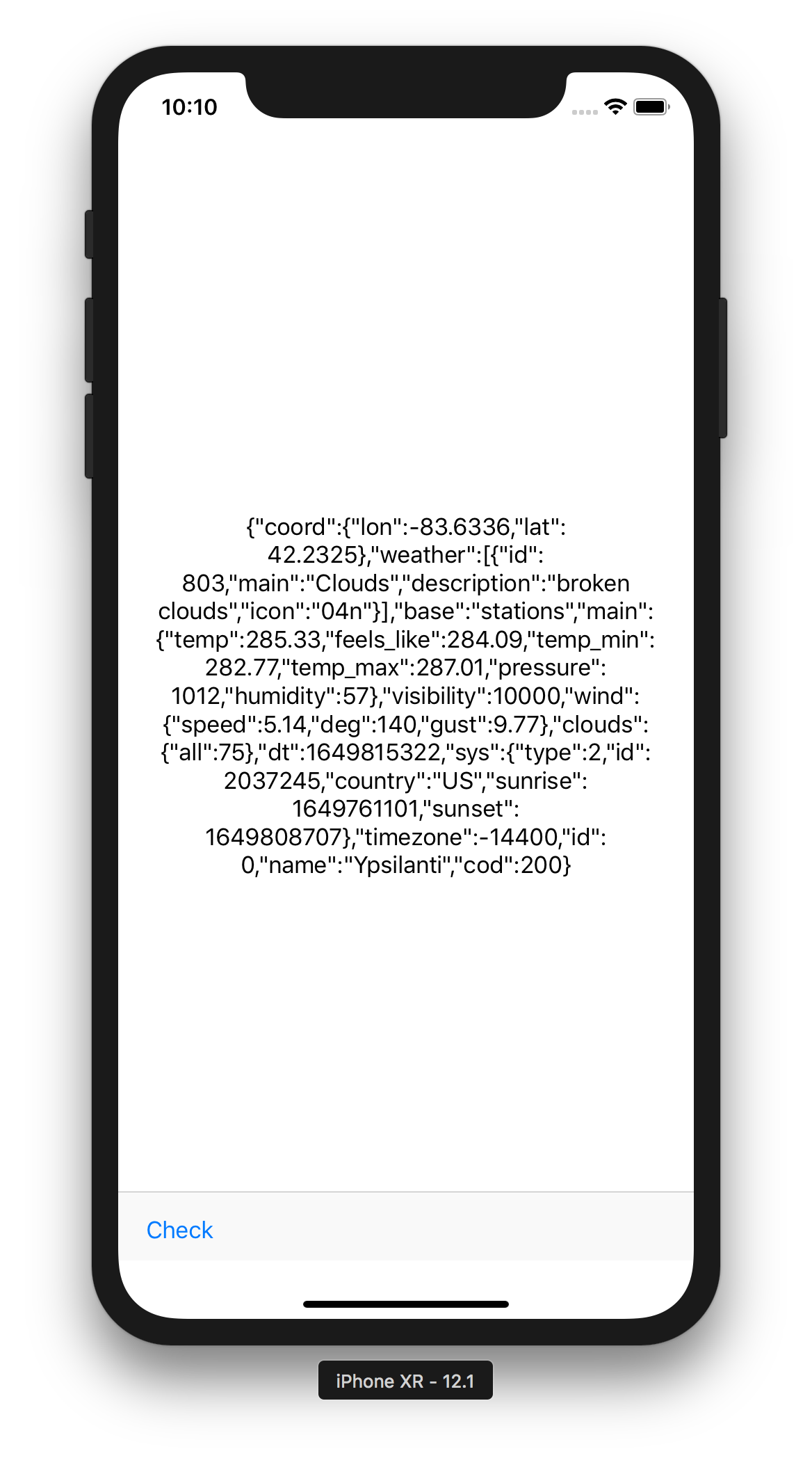
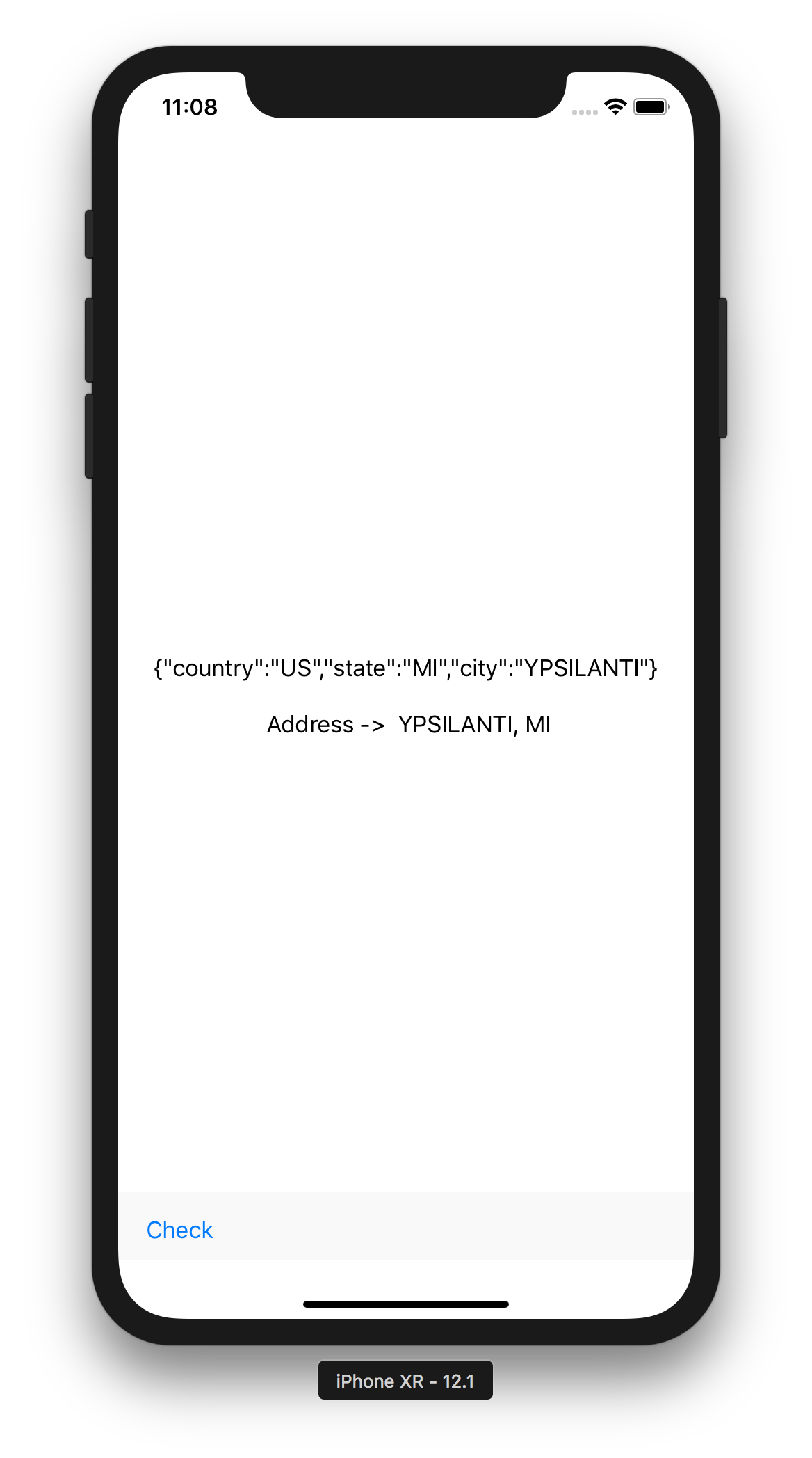
    @IBAction func cf_lookup(_ sender: UIBarButtonItem) {
        let lv_url = URL(string: "http://ziptasticapi.com/48197")!
        cv_str = try! String(contentsOf: lv_url)

        let lv_data = Data(cv_str.utf8)
        if let json = try! JSONSerialization.jsonObject(with: lv_data, options: .allowFragments) as? [String: Any] {
            let lv_state = json["state"] as? String ?? "N/A"
            let lv_city = json["city"] as? String ?? "N/A"
            cv_str = "\(cv_str) \n\n Address ->  \(lv_city), \(lv_state)"
        }

        vv_label.text = cv_str
        vv_label.numberOfLines = 0
        vv_label.lineBreakMode = .byWordWrapping
        vv_label.translatesAutoresizingMaskIntoConstraints = false
        vv_label.frame.size.width = 240
        vv_label.sizeToFit()
    }
- Compare with Android Version
14.1.5 Monitoring the Bluetooth Connection
- Bluetooth-related events: ACTION_ACL_CONNECTED and ACTION_ACL_DISCONNECTED
- Broadcast Receiver
- Listing 14.2 Monitoring the Bluetooth connection
    private BroadcastReceiver cv_btMonitor = null;
    private void cf_setupBTMonitor() {
        cv_btMonitor = new BroadcastReceiver() {
            @Override
            public void onReceive(Context context, Intent intent) {
                if (intent.getAction().equals(
                        "android.bluetooth.device.action.ACL_CONNECTED")) {
                    try {
                        cv_is = cv_socket.getInputStream();
                        cv_os = cv_socket.getOutputStream();
                        cv_tvStatus.setText("Connect to " + cv_bd.getName() + " at " + cv_bd.getAddress());
                    } catch (Exception e) {
                        cf_disconnectEV3();
                        cv_is = null;
                        cv_os = null;
                    }
                }
                if (intent.getAction().equals(
                        "android.bluetooth.device.action.ACL_DISCONNECTED")) {
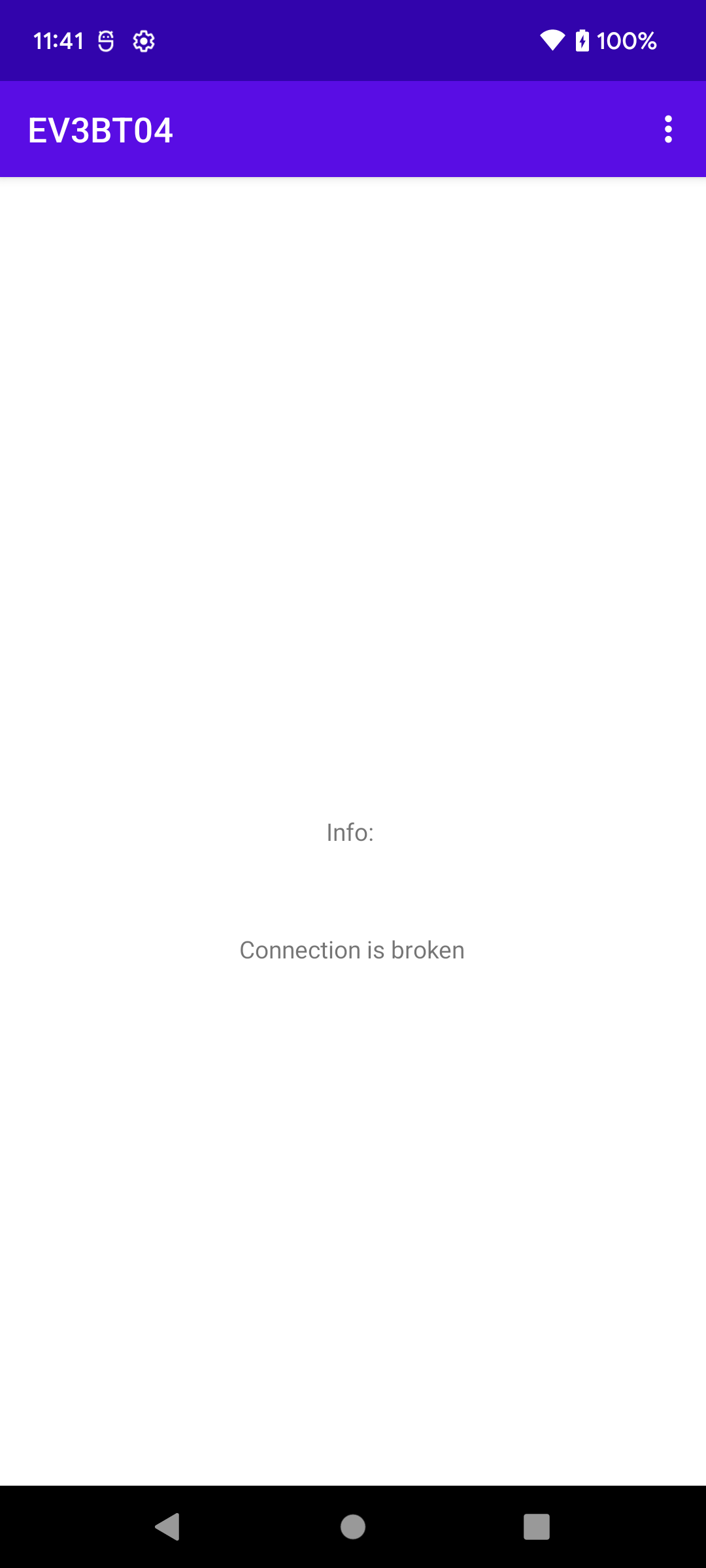
                    cv_tvStatus.setText("Connection is broken");
                }
            }
        };
    }
- EV3BT-ver04
- It will detect if the NXT is powered off
    @Override
    public void onResume() {
        super.onResume();
        registerReceiver(cv_btMonitor,new IntentFilter("android.bluetooth.device.action.ACL_CONNECTED"));
        registerReceiver(cv_btMonitor,new IntentFilter("android.bluetooth.device.action.ACL_DISCONNECTED"));
    }

    @Override
    public void onPause() {
        super.onPause();
        unregisterReceiver(cv_btMonitor);
    }
- Listing 14.3 The handleConnected method (later)
- Bluetooth socket
- Input and Output Streams
private void handleConnected() {
    try {
      is = socket.getInputStream();
      os = socket.getOutputStream();
      bConnected = true;
      btnConnect.setVisibility(View.GONE);
      btnDisconnect.setVisibility(View.VISIBLE);
    } catch (Exception e) {
      is = null;
      os = null;
      disconnectFromRobot(null);
}
Storyboards
- Storyboard
- Storyboard is a new IB file, which allows you to view the entire UI of your app in one place, including the transitions between the parts of your app and the triggers that initiated those transitions, so you can very conveniently get an overview of the app.
- Storyboards build on the familiar nib concept, and are edited in the same way, using
Xcodeís Interface Builder.
- But unlike nibs, storyboards also allow you to work with multiple views, each attached
to its own view controller, in a single visual workspace.
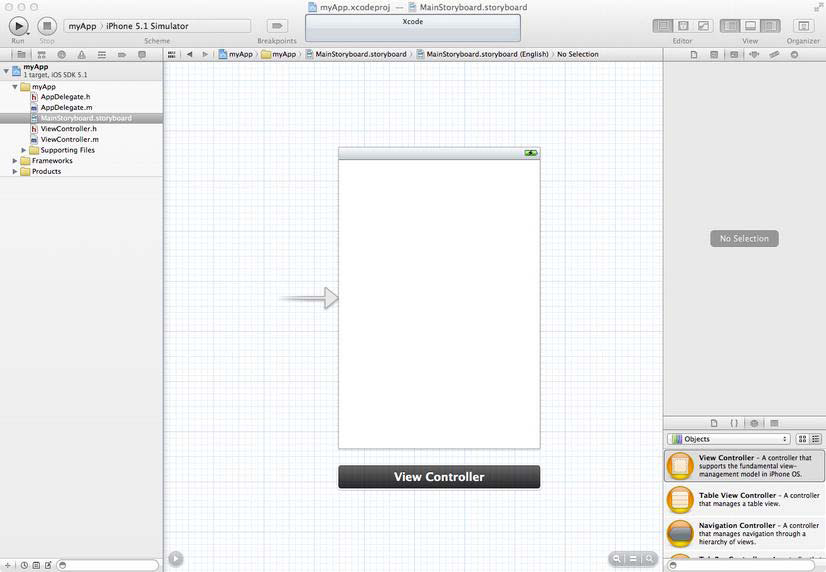
- Docks, Scenes, and Segues
- A storyboard is a visual representation of the user interface of an iOS application, showing screens of content and the connections between those screens.
- A storyboard is composed of a sequence of scenes, each of which represents a view controller and its views; scenes are connected by segue objects, which represent a transition between two view controllers.
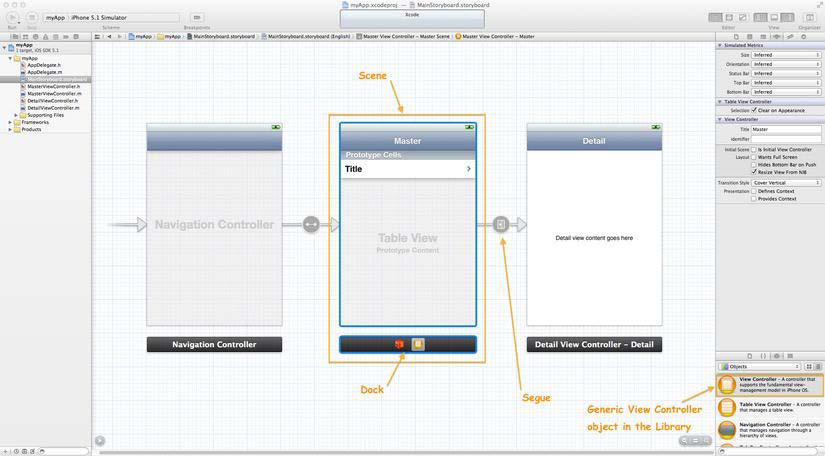
- A Scene Corresponds to a Single View Controller and Its Views
- A Segue Manages the Transition Between Two Scenes
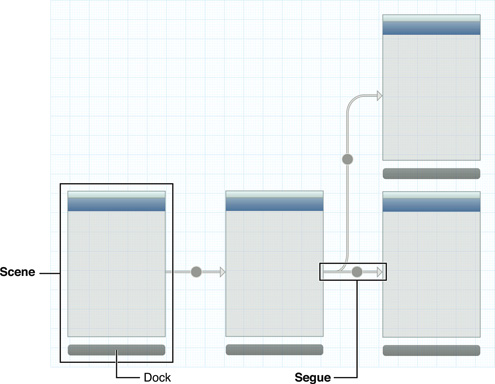
- Build scenes first and then configure segues
- Associate scenes with swift files
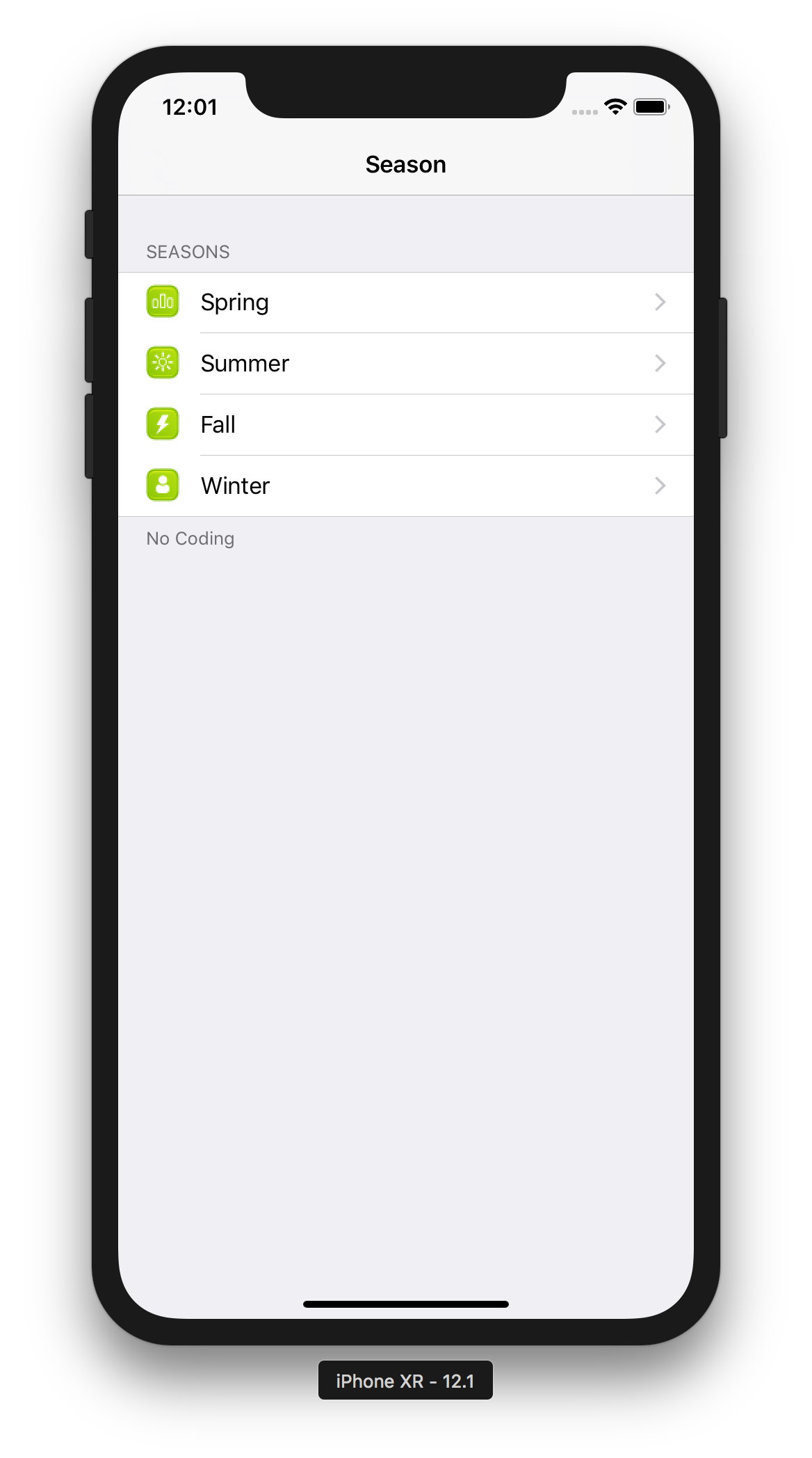
Static ListView Navigation -- No Code
- C12-ListNav-ver02 from C08-Static
- Based on demo c12-Nav4Seasons (not much change since XCode 5)
- Use 'show' instead of 'push' for segue
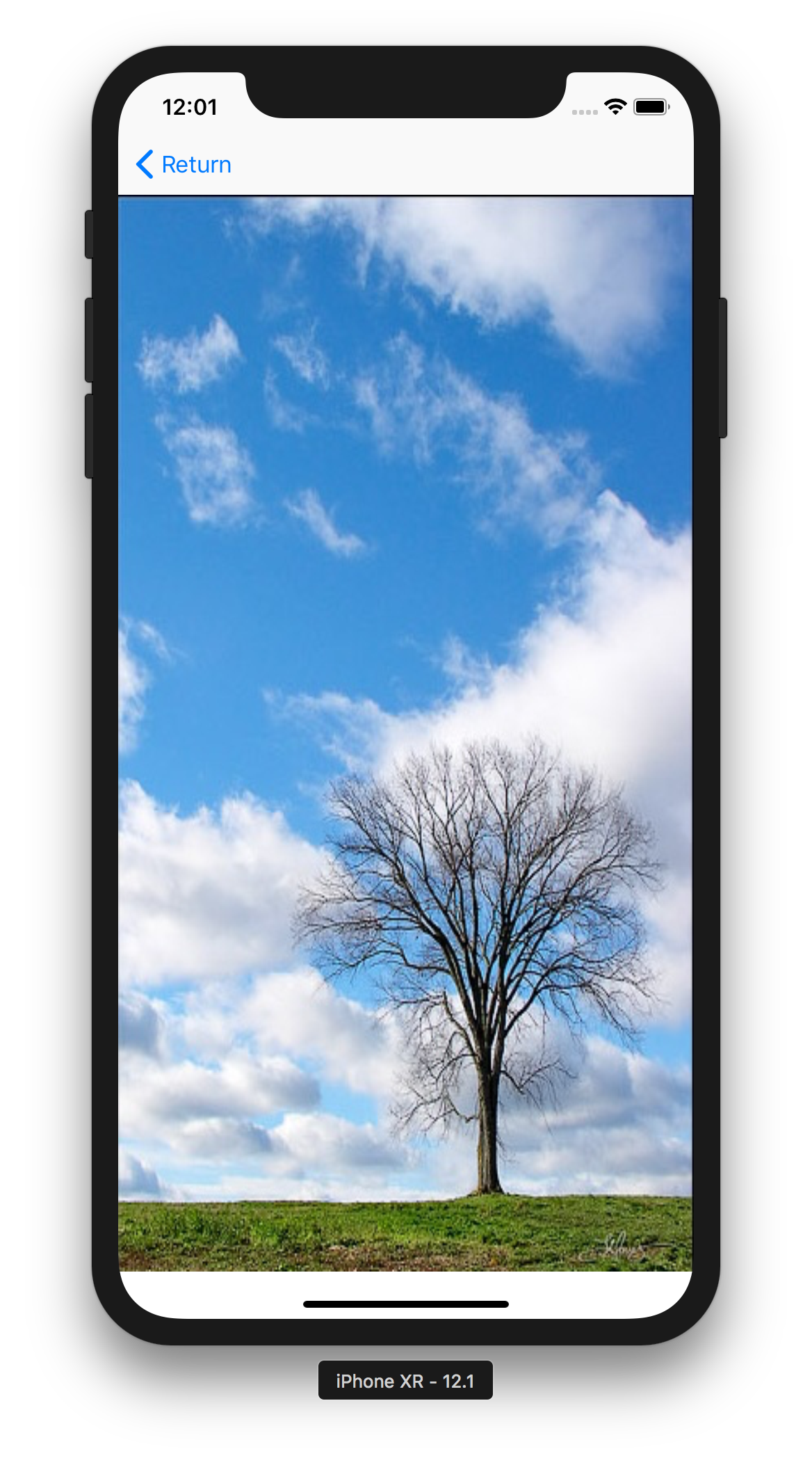
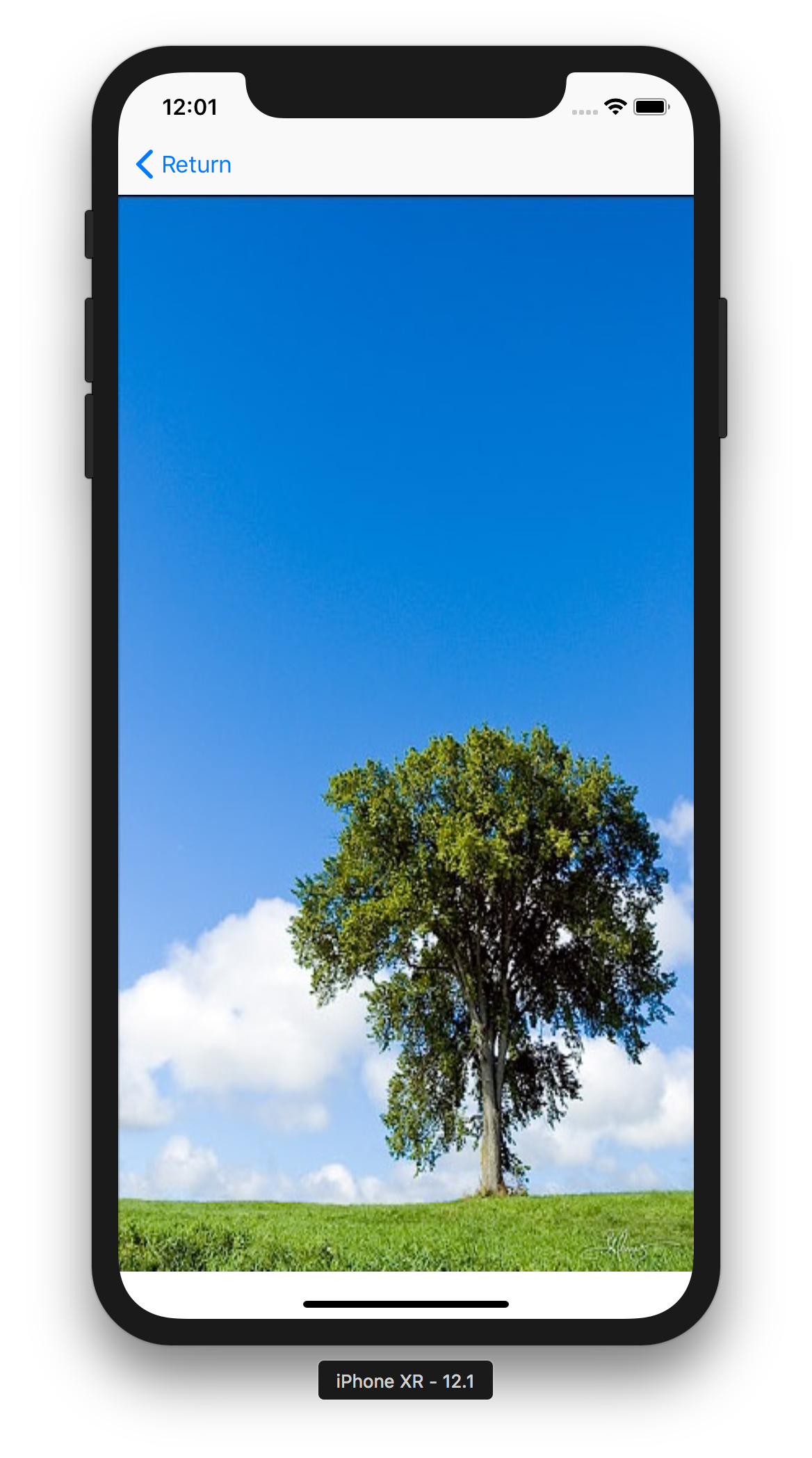
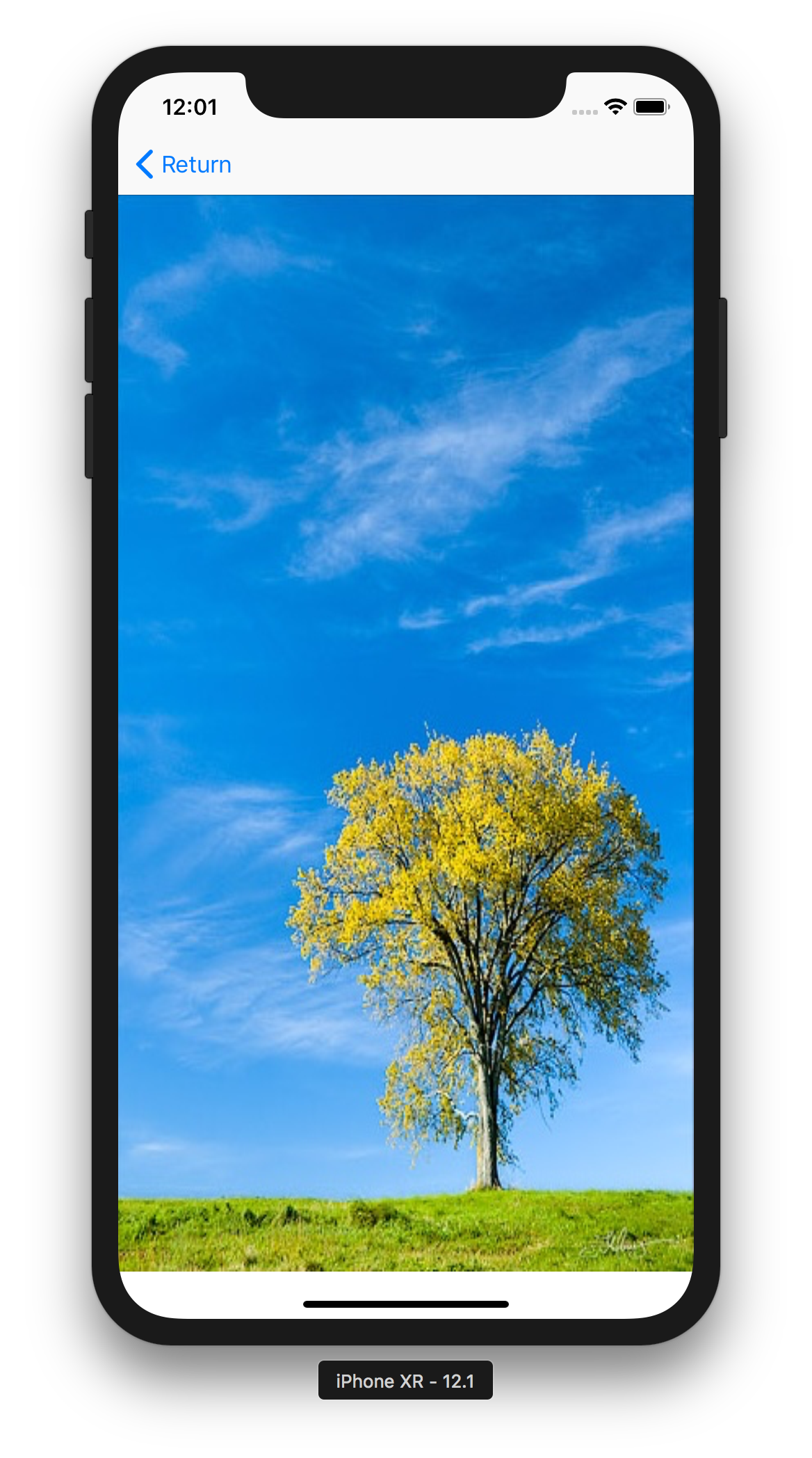
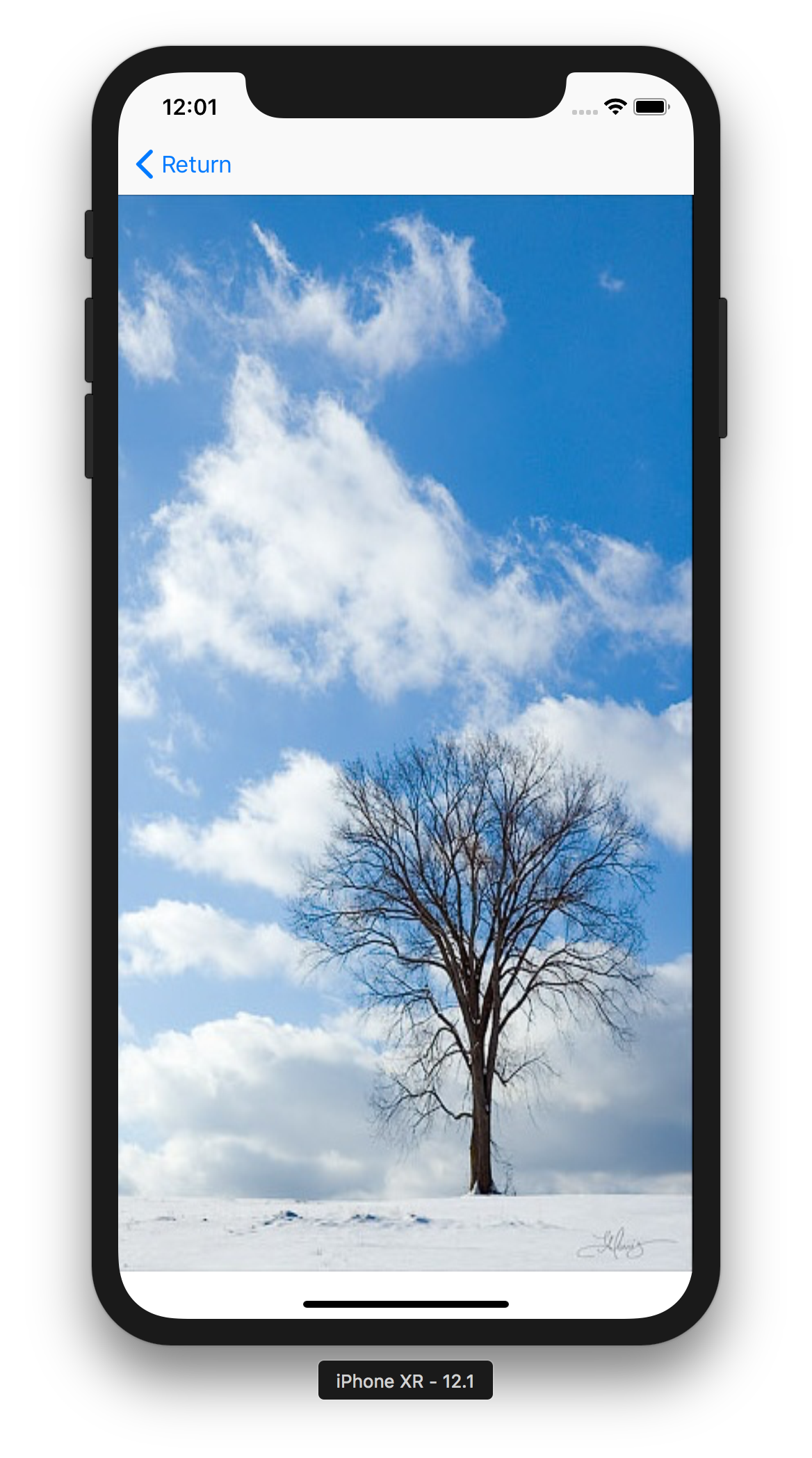
- Challenge -- show entire image in different screens
- Select SE screen size
- Fit the image to the entire screen
- Select 'Add Missing Constraints'